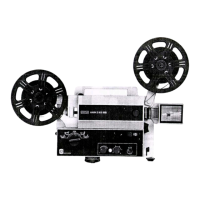
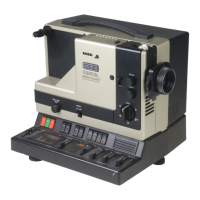
Panchromatic Eumig P8 User Manual
Service@Panchromatic.co.uk www.Panchromatic.co.uk
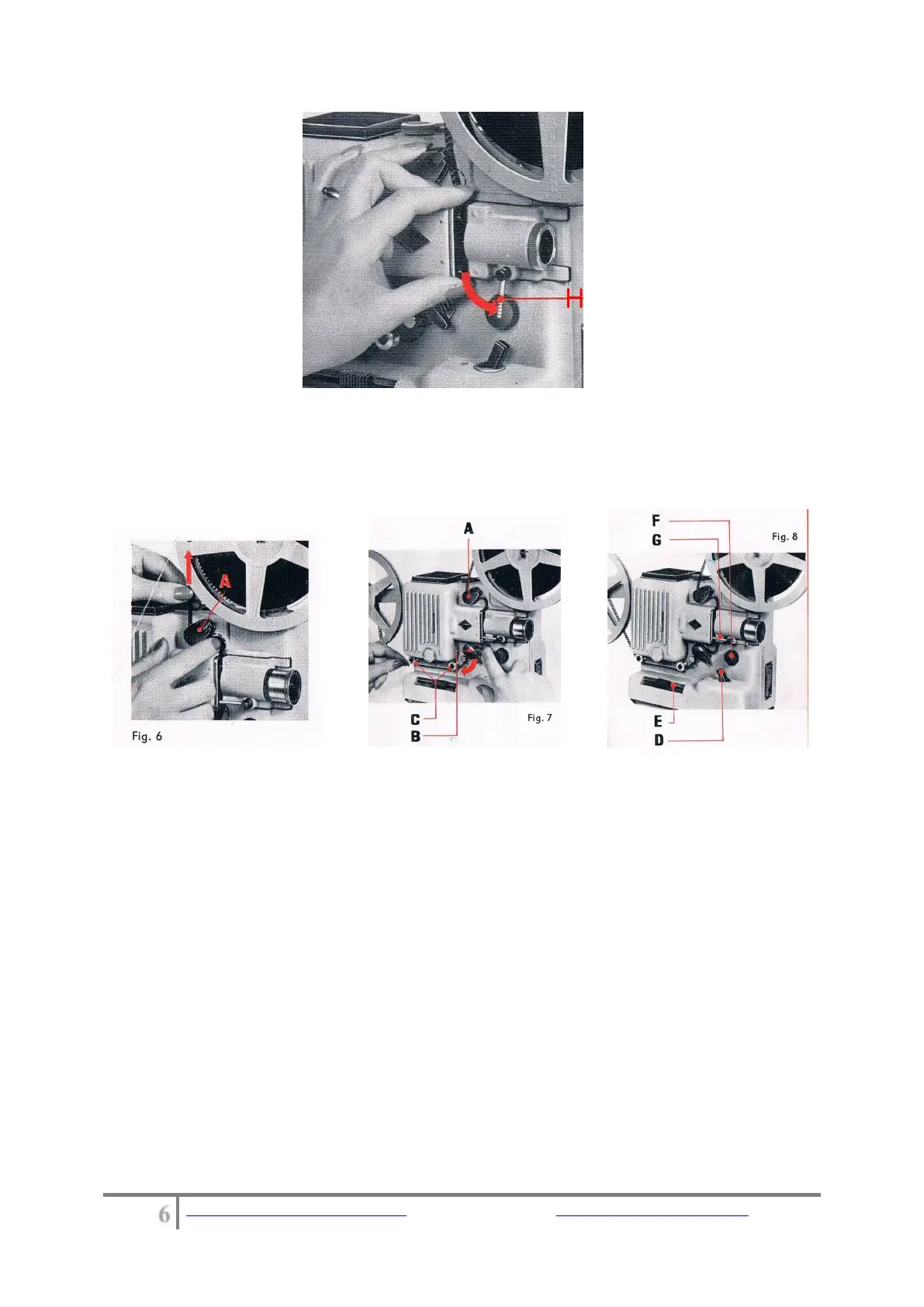
Fig. 5
Lead the film over the take-up sprocket B in the some way, as shown in
Fig. 7, pulling it backward until it slips into position. Finally draw it along
the film guide rolls C on to the take-up spool and fasten it to the core.
Projecting
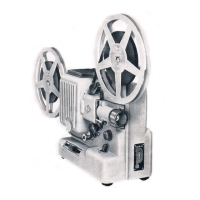
Your P 8 ZOOM is now ready for projection. Thanks to the EUPROZOOM
projection-lens, focussing the picture now presents no difficulties. Switch
on the Projector by turning the motor switch D (Fig. 8). Then turn the
lens in its mount and pull the tube some way out. This alters the size of
the image, and the Projector can therefore be adapted to fit any room
and any screen. By turning the lens to the right or the left, the correct
focussing may be obtained. The running-speed may be adjusted by
manipulating the sliding-control E (Fig. 8) until all flicker disappears. If
two partial images are seen on the screen, this can be corrected by
turning the knob F (Fig. 8).


 To Next Page