Operating Manual
www.esglobal.co.kr
11
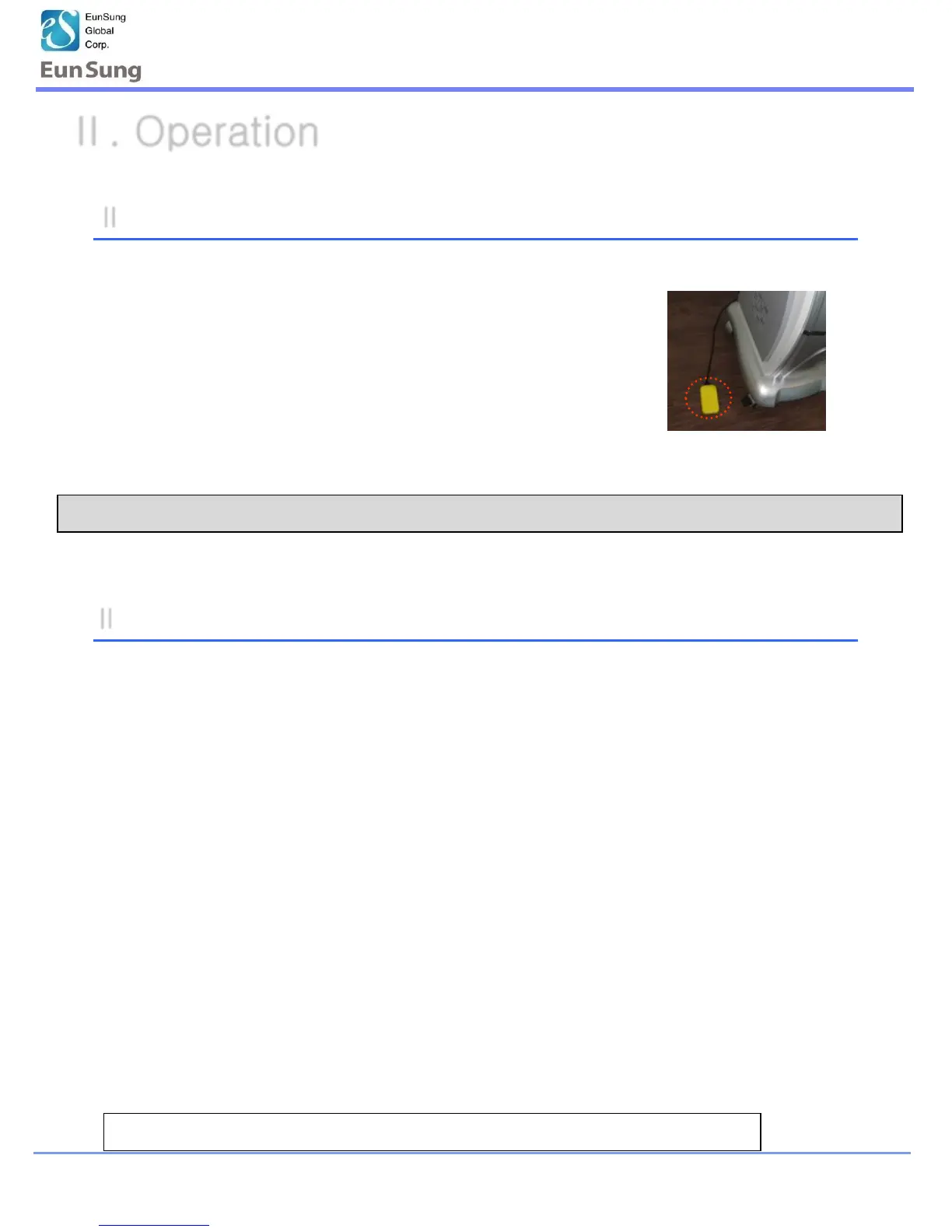
※ Foot switch can e used as start/stop button.
II -2-2. Cavitation Operation (Body)
*User can use the foot switch all operation modes, the Cavitation and RF & Vacuum
1.When finishes the treatment, press“Power”on the LCD board.
(Basically, it will be finished the function after finishing the time set)
2.Keep the power on 2~3 min before off the power, more to cool down
the inside heat.
3.Turn off the power Key.
4.Turn off the power switch backside of the machine.
5.Clean the accessories after treatment and keep them in order
II-2-3. Finish the Cavitation (Body)
•Finish mode is same as Cavitation and RF & Vacuum operation
Ⅱ. Operation


 To Next Page