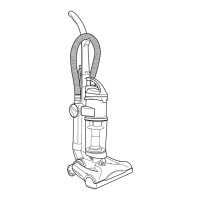
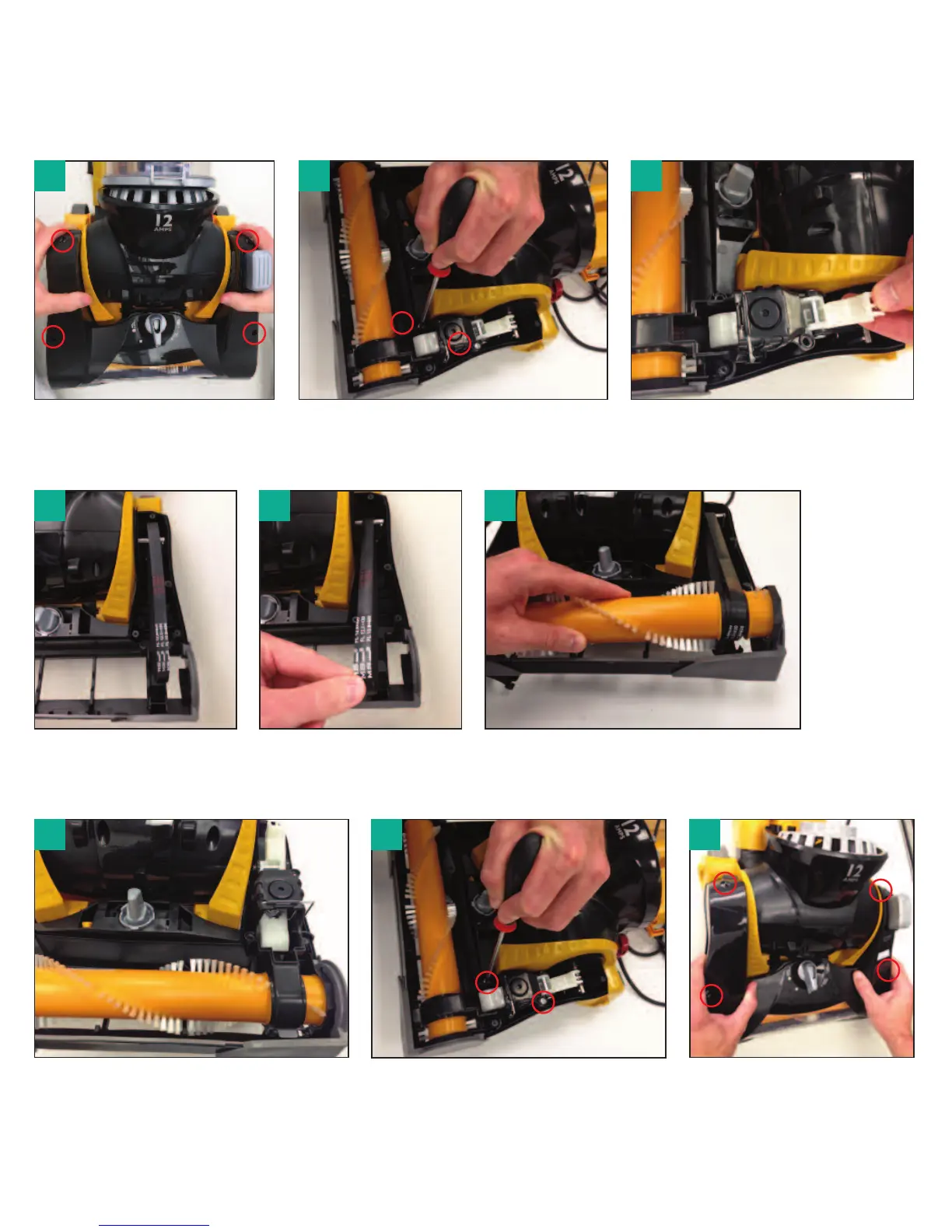
How to replace brush roll or belt
Eureka Customer Service HELPLINE 1-800-282-2886
www.eureka.com
12
Replace brush roll cover
and 4 screws.
Remove belt from motor
shaft and brush roll.
Replace the white latch assembly
back into position.
Reinstall 2 screws.
Insert left end of brush roll first. Loop
new belt around right end of brush roll
and insert right end cap into base.
Replace belt around
motor shaft.
6
7 8 9
5
4
Remove 4 screws from brush
roll cover. Lift off cover using
rear tabs.
Use a Phillips screwdriver to
remove 2 screws.
Pull up white latch to release the belt
assembly and lift straight out.
1 2 3


 To Next Page
 Loading...