54
Installation and Setup
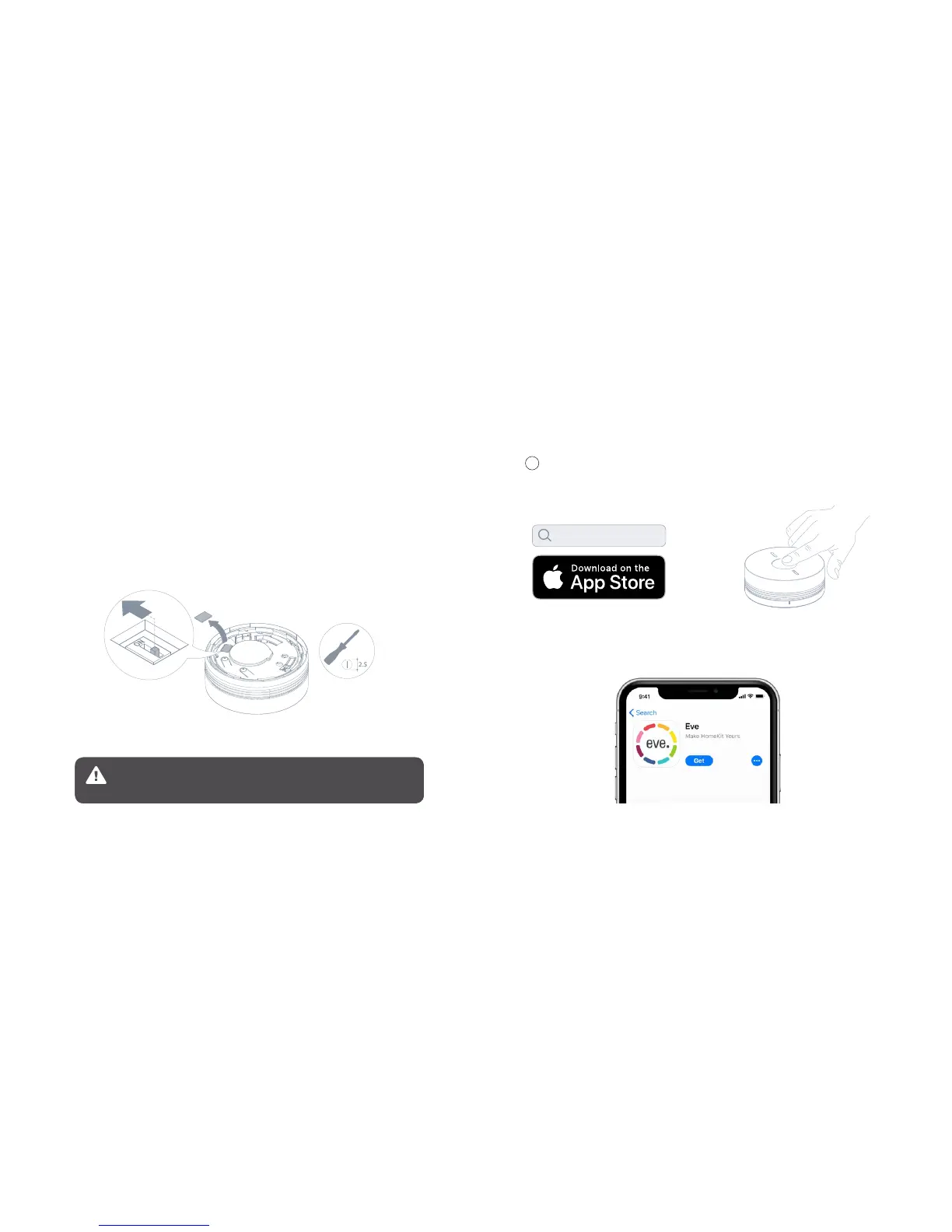
Press the Test button to activate
Eve Smoke.
Download the Eve app from the App Store.
Open the Eve app and tap Add Accessory.
If you have already set up Eve, tap Settings and add Eve Smoke.
3
Deactivating the smoke sensor
The smoke sensor can be deactivated so that only the heat sensor remains operational. This allows
you to install Eve Smoke:
• In a kitchen, where steam is produced by cooking
• In dusty, uninhabited areas (e.g. your garage)
To use Eve Smoke exclusively as a heat alarm, apply a screwdriver to remove the cover as shown in the
illustration, and set the switch to ON.
As soon as the micro switch cover is broken off and removed, and the smoke
sensor is deactivated, Eve Smoke is no longer CE compliant in accordance with
the EN 14604-2005 standard. Doing so will void CE conformity.
Eve



 To Next Page