Eclipse User Manual
Eclipse User Manual Page 18 of 66 Release 4.0.1
Finally, let’s assign the modulation block’s LFO to a parameter. Press
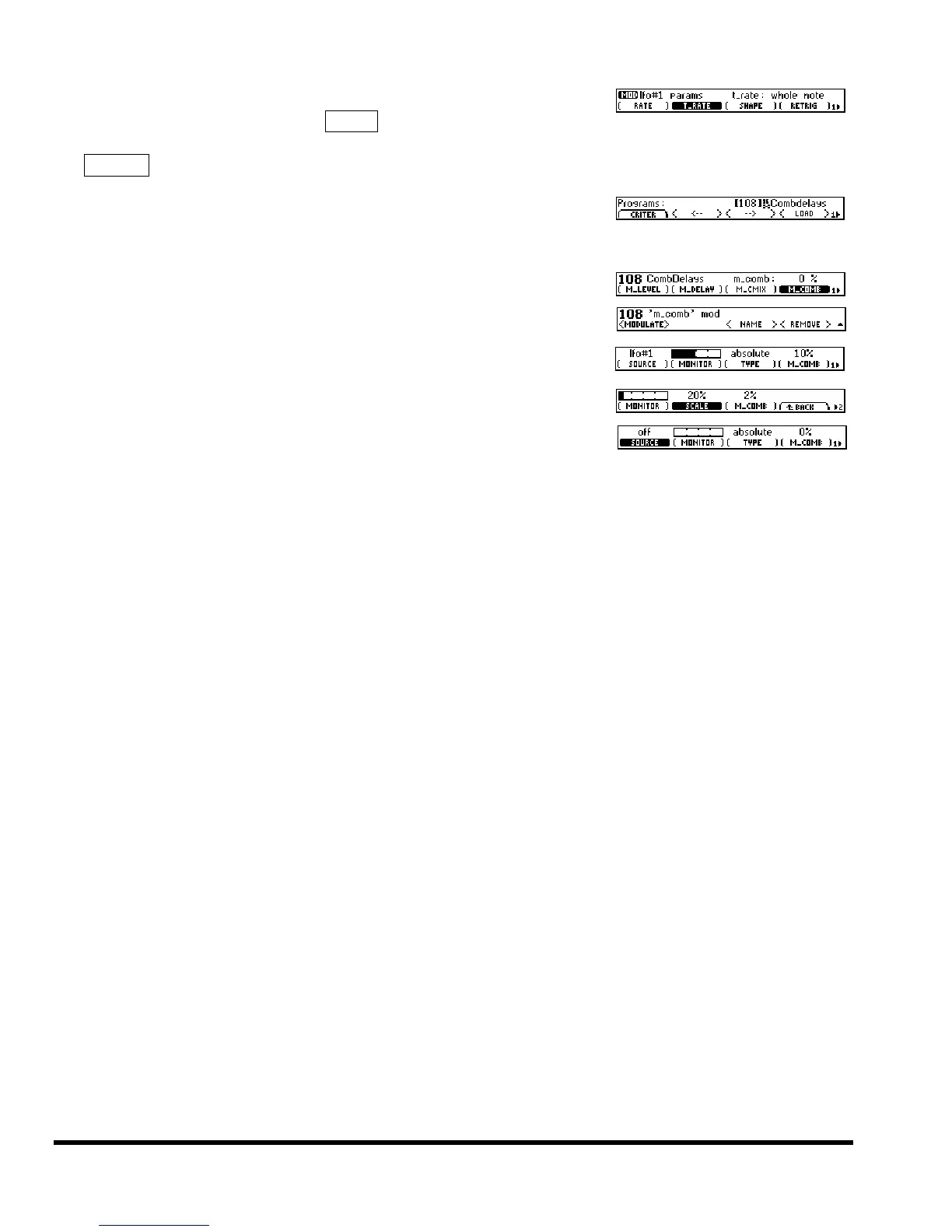
PARAMETER page 2 <EDIT MOD> LFO#1, and set (T_RATE) to whole
note. Now the modulation block’s LFO is cycling once a measure. Use
the ^-BACK soft key to “jump up” a level. see page 43 for information on the modula-
tion block LFO and all of the other wonderful modulators!
All of the modulators in the modulation block exist independently of
programs. To prove it, load the program CombDelays. Should you peek
back at the LFO’s (T_RATE), you’ll find it hasn’t changed.
Now go to the HOT KEYS area and set (M_COMB) to 0 %.
To assign the modulation block’s LFO to this parameter, hold down its
soft key until the page shown to the right appears.
Select
<MODULATE> and then set (SOURCE) to LFO#1. Trippy!
You can change the depth of the effect with
(SCALE).
To disconnect modulation, simply set (SOURCE) back to off. see page 40
for more information about patching parameters to the modulation block



 To Next Page