Eclipse User Manual
Release 4.0.1 Page 45 of 66 Eclipse User Manual
External Controllers
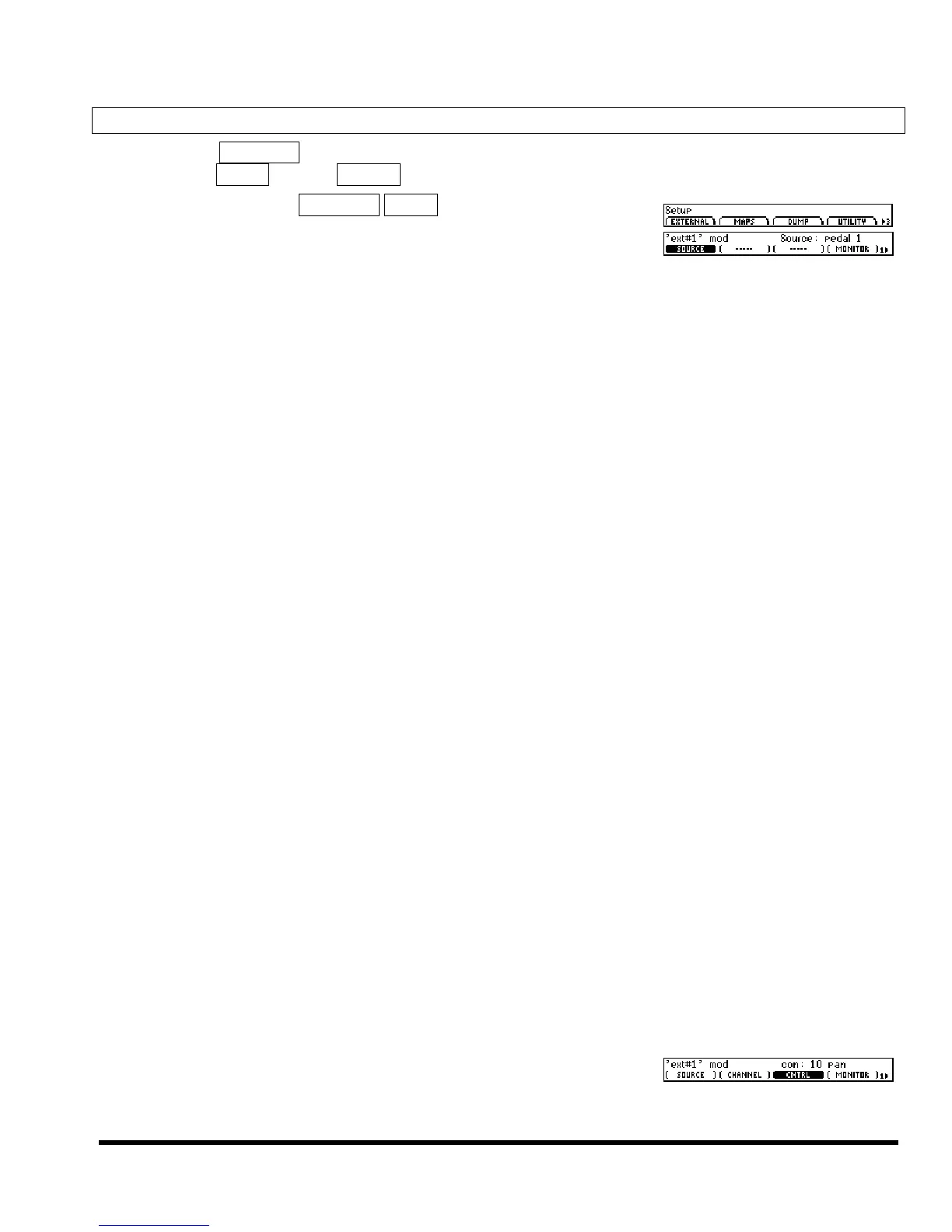
SETUP page 3 EXTERNAL “connects” external controllers to the Eclipse. You can make up to sixteeen
“connections,” EXT#1 through EXT#16. Let’s see how one of these “connections” is made.
First, press SETUP page 3 EXTERNAL EXT#1. Select the external control-
ler you want to “connect” with (SOURCE). Monitor its value with
(MONITOR). Our choices are:
off No external controller will be connected.
low,mid,high Fixed values for testing
pedal 1, 2 The input from the pedals at the rear panel foot pedal jacks 1 & 2. to set these up, see page 49
tip 1, 2 tip is fully modulated when a switch connected between tip and sleeve of the rear foot
pedal jack is closed.
ring 1, 2 ring is fully modulated when a switch connected between ring and sleeve of the rear
foot pedal jack is closed.
tip & ring 1, 2 tip & ring
are fully modulated when the tip and ring are electrically connected and a
switch connected between them and the sleeve of the rear foot pedal jack is closed.
mod wheel
MIDI control message 1 - typically assigned to the mod wheel on a MIDI keyboard.
breath con
MIDI control message 2 - typically assigned to the breath controller on a MIDI key-
board.
foot con
MIDI control message 4 - typically assigned to the foot controller on a MIDI keyboard.
damper
Triggers when a damper control message (MIDI control message 64) is received with
damper = 1.
portamento
Triggers when a portamento control message (MIDI control message 65) is received
with portamento = 1.
sostenuto
Triggers when a sostenuto control message (MIDI control message 66) is received with
sostenuto = 1.
soft
Triggers when a soft control message (MIDI control message 67) is received with
soft = 1.
hold 2
Triggers when a “hold 2” control message (MIDI control message 69) is received with
“hold 2” = 1.
volume
MIDI control message 7 - typically assigned to volume changes.
balance
MIDI control message 8 - typically assigned to balance.
pan
MIDI control message 10 - typically assigned to panning.
expression
MIDI control message 11 - typically assigned to the expression controller on a MIDI
keyboard.
general 1 – 8
MIDI control messages 16 through 23.
MIDI single
Allows selection of any MIDI control number with
coarse quantization. Input range is 0 to 127. A third pa-
rameter appears, (CNTRL), which selects the controller
number to be used.



 To Next Page