Eclipse User Manual
Eclipse User Manual Page 32 of 66 Release 4.0.1
Copying and Protecting Programs
To copy a program, simply load it and then use PROGRAM page 2 SAVE AS to save it in a new location.
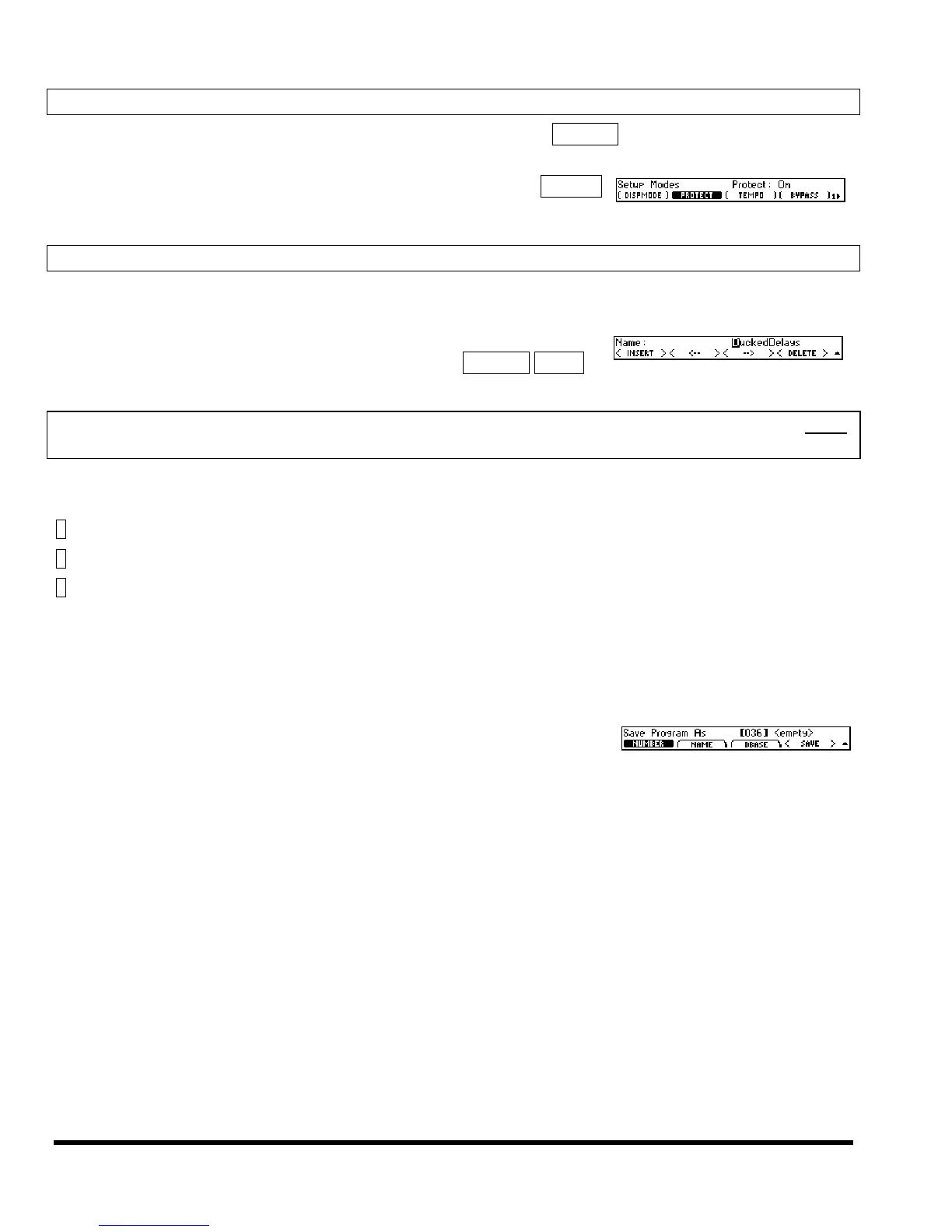
To protect all your programs from fumbling hands, turn SETUP MODES
(PROTECT) to On.
Naming Things – The Mechanics
It’s a lot easier to name something than it is to describe how to name something. Nevertheless, this man-
ual is all about descriptions, so let’s dive in.
You will often find yourself naming programs when you save them.
We’ll use this as an example. Press PROGRAM page 2 SAVE AS NAME.
Use the knob to advance through a set of alphanumeric characters:
; : / ? > < , ; ` ~ | \ _ = + - } { ] [ ‘ ) ( * & ^ % $ # @ ! a b c d e f g h i j k l m n o p q r s t u v w x y z space
A B C D E F G H I J K L M N O P Q R S T U V W X Y Z 0 1 2 3 4 5 6 7 8 9 . - %
or use the keypad to type in numbers. Each key cycles through its number plus three letters and a symbol
like this:
1= 1, A, B, C, :
2= 2, D, E, F, /
3= 3, G, H, I, ?
…and so on.
Use the < > soft key to move to the next position or the < > soft key to move back.
Use the < INSERT > soft key to insert a blank space at the current cursor position. Use the < DELETE >
soft key to delete the currently selected character.
When you’re finished entering a new name, move “up a level” by press-
ing the PROGRAM key. The new name will be saved only after you press
<SAVE>.



 To Next Page