EasyManua.ls Logo

Everdure OBES63 - Page 17

Everdure OBES63
23 pages
Print Icon
To Next Page IconTo Next Page
To Previous Page IconTo Previous Page
Loading...
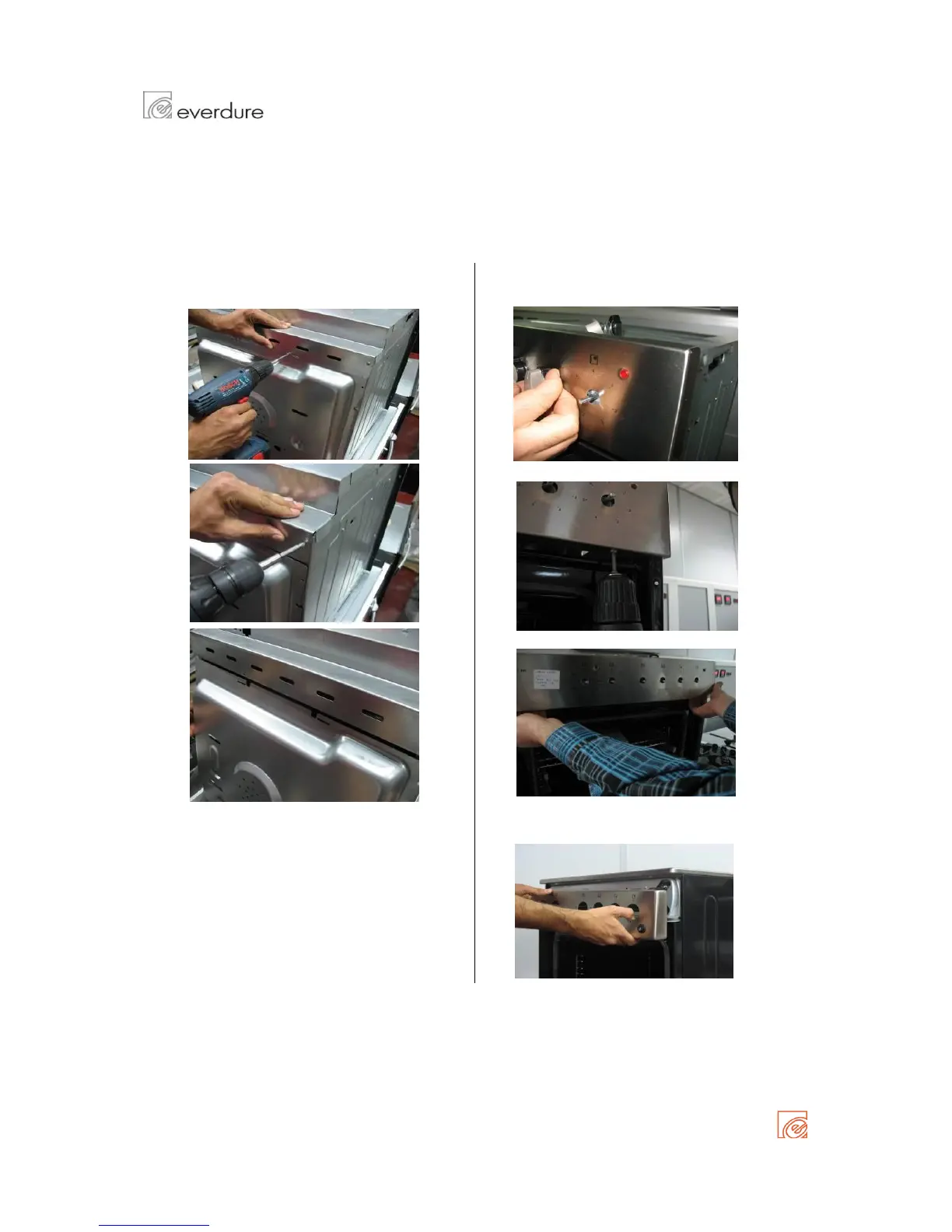
Removing rear panel
Removing front panel ( built-in cookers )
Detach all screws on rear panel to remove Remove knobs manually
Remove the bottom screws of front panel
Hold up slightly and remove panel.
If available on your oven ;
If available, power cord terminals must be taken Pull off the wiring connections of ignitor/oven
off from the rear panel light button.

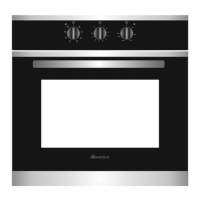
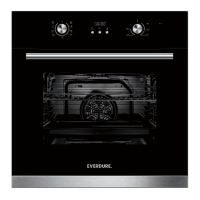
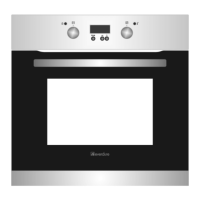
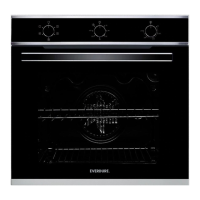
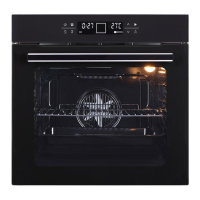
MODELS:
OBES61
OBES62
OBES63
DISASSEMBLY MANUAL BUILT IN OVENS
Page 17 of 23

Related product manuals