ECD900 eZ.HD Mini Dome Camera
7
3. Installation
3.1 Installation and Adjustment
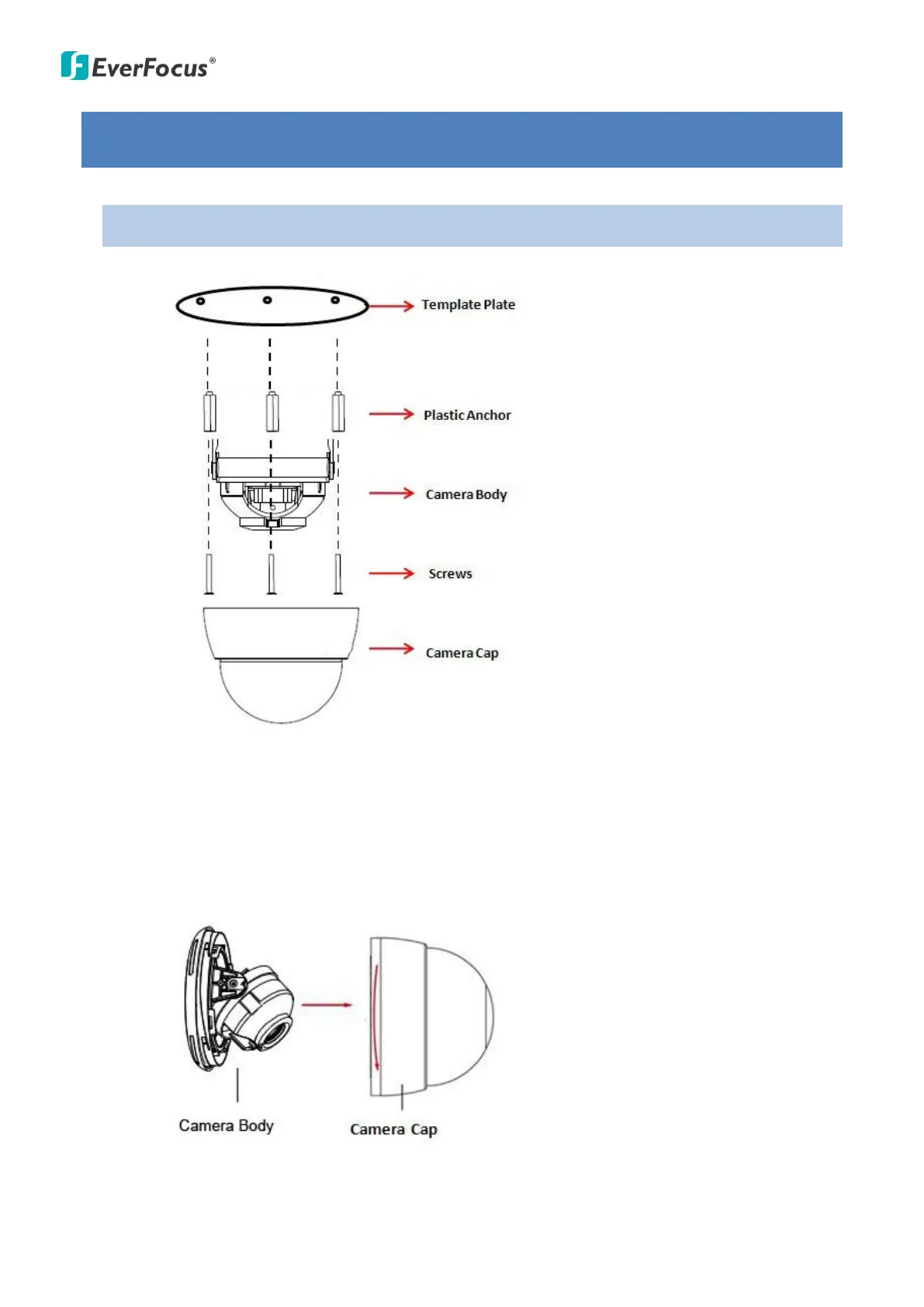
1. Stick the Template Plate on the position where you want to attach the camera.
2. Drill the three holes on the template for screwing the camera with the supplied screws
and anchors, and the circle in the middle only if you want to wire the cables through the
wall / ceiling.
3. Insert the supplied anchors into the holes.
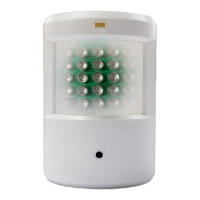
4. Remove the Camera Cap from the Camera Body.
5. Attach the camera body to the correct position and then screw the camera body to the
wall / ceiling using the supplied three screws.


 To Next Page