93
Operation: to see log entries related to operation changes.
User: to see log entries related to user access.
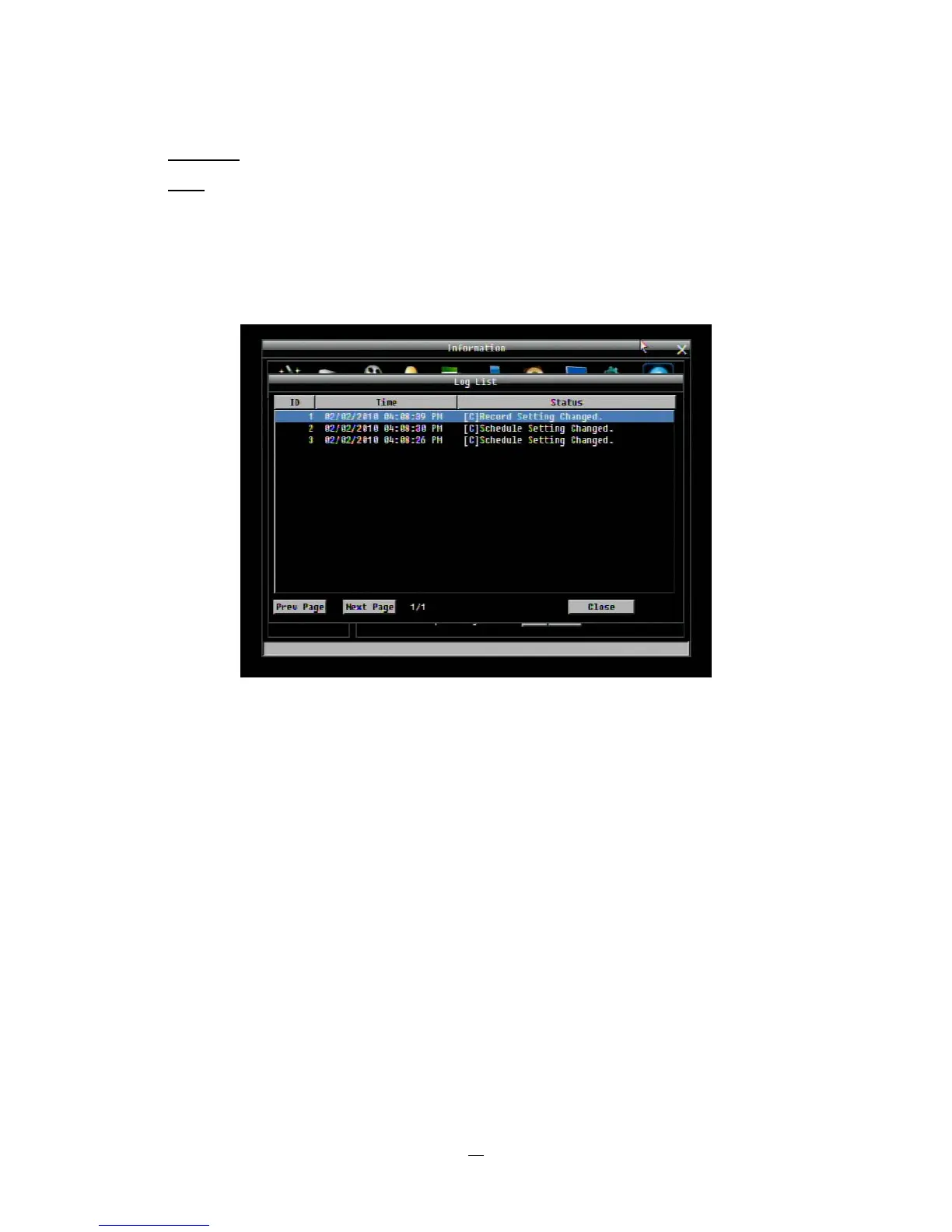
View Log: Press “View Log” button to view the log. See
Figure 4-44 for more detail.
Clear Log: Press “Clear Log” button to clear the log.
Export Log to USB: Press “Export’ button to export log data to USB.
Figure 4-43 Log List
Prev Page: Go to the previous page of log.
Next Page: Go to the next page of log.
Close: Close the window














 To Next Page