75
Confirm: Re-enter password.
Sender Email: Input the e-mail address of the sender (the DVR). Sender’s e-mail address has to match the
user name and password above.
Receiver Email 1: Input the first e-mail address that event messages are sent to.
Receiver Email 2: Input the second e-mail address that event messages are sent to.
Receiver Email 3: Input the third e-mail address that event messages are sent to.
Email Subject: Input email subject.
4.7.3 DDNS
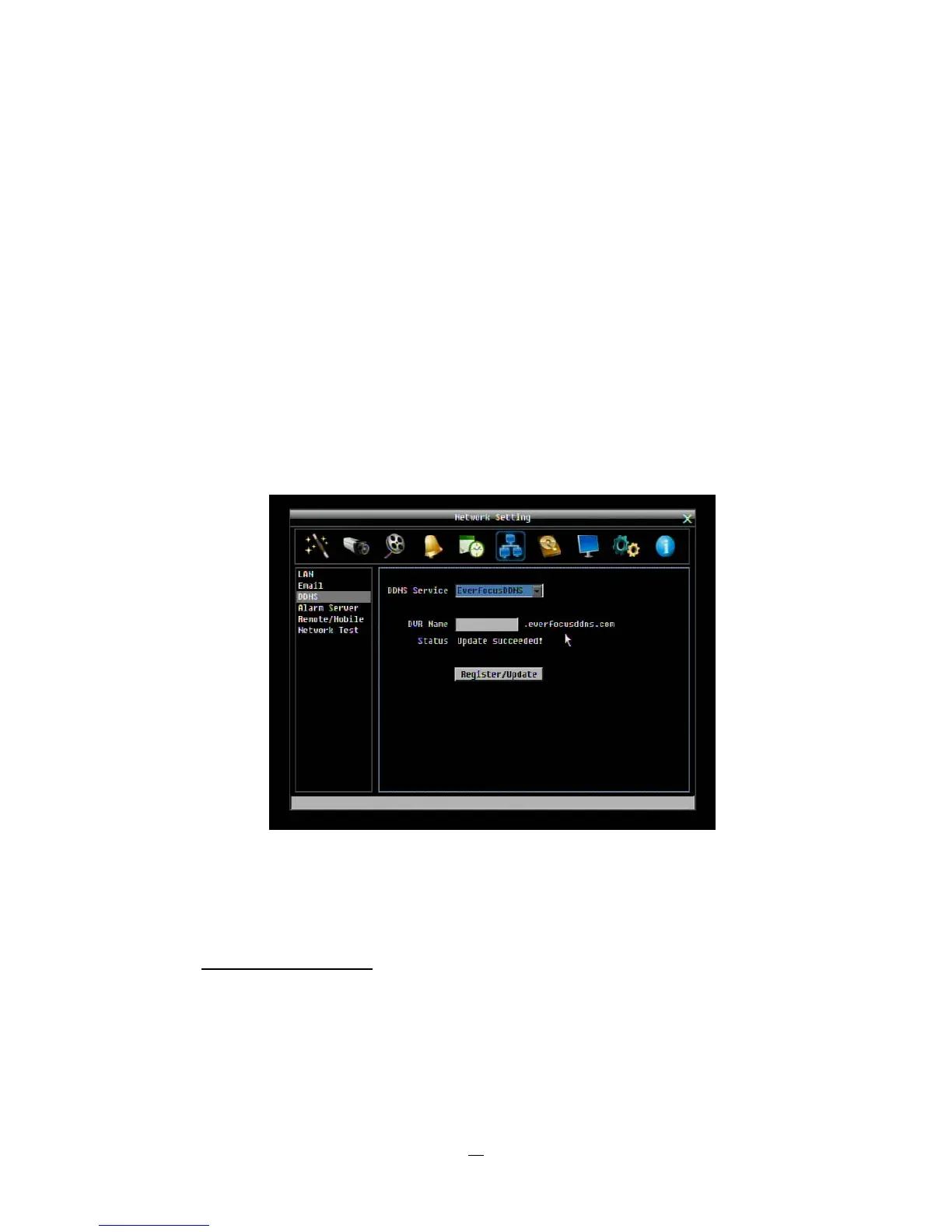
DDNS Server: Select either “EverfocusDDNS” or “www.dyndns.org” as the DDNS provider. If DDNS will
not be used, simply select “Disable”.
EverfocusDDNS
Figure 4-25 Network Menu – DDNS-EverfocusDDNS
DVR Name: Input the desired name for the DVR
Register/Update: Click the button to submit and register the name to the Everfocus server.
The DDNS name you choose must be unique; that is, it must not already be in use. Please go to the
website http://everfocusddns.com
and check that the name you wish to use is available.
PLEASE NOTE: The name of the DVR cannot include a space, or a dot (period) or any special
characters particularly ~ ! @ # $ % ^ & * ( ) + < > " ; : . , _
In the DVR’s Network Menu above, go to DDNS. Choose “everfocusddns.com” for the Server and put in
your chosen name (verified available and without special characters) for DVR Name/hostname.














 To Next Page