48
Trans+Timeout: Alarm output continues until the event ends, then continues for a set time duration.
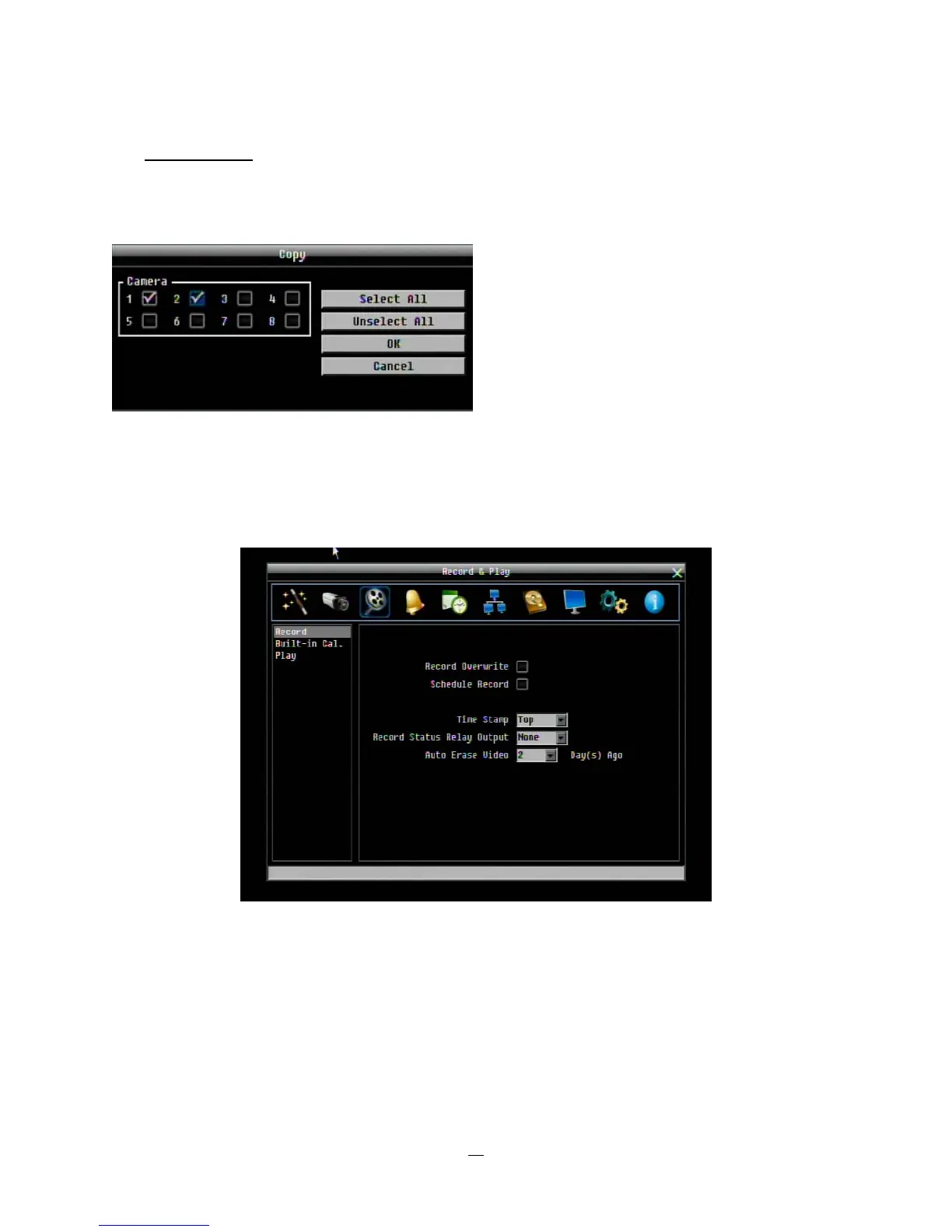
Apply To: This button can be used to copy the video loss settings to other cameras. Select which cameras
you wish to copy to. "Select All" selects all cameras, “Unselect All” deselects all cameras. Click “OK” to
copy the settings or "Cancel" to exit without copying.
4.4 RECORD & PLAY SETTING
Figure 4-7 is a screenshot of the RECORD & PLAY SETTING MENU. This menu is used to configure basic
recording and playback settings.
Figure 4-7 Record & Play Menu
4.4.1 Record
Record Overwrite: Check the box and the disk will begin overwriting when full. NOTE: Unless this box is
checked, THE DVR MUST STOP RECORDING WHEN THE DISK IS FULL. The use of record overwrite
is strongly recommended. If you do not use this feature, please be sure to make specific arrangements to
monitor/be notified when the disk is full.














 To Next Page