101
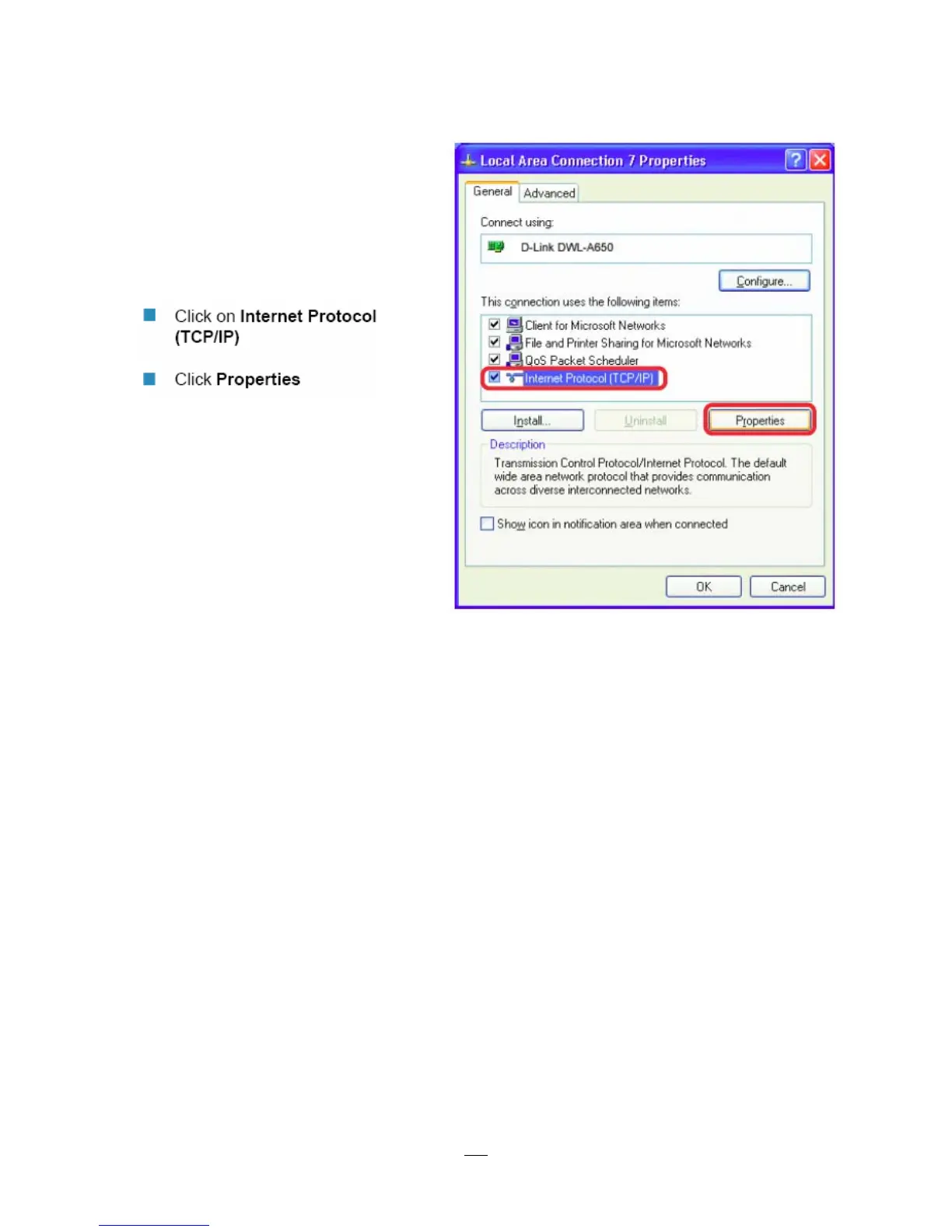
Click on the option that says “Use the following IP address”
Assign an IP address of 192.168.1.2, a Subnet Mask of 255.255.255.0, and a Default Gateway of
192.168.1.1, then click OK.
Restart both the computer and the DVR.
To access the DVR from the computer, simply open Internet Explorer and in the address bar type:
http://192.168.1.3














 To Next Page