67
to 15 FPS and also increase the resolution and rate of the five 2 CIF cameras to 4 CIF and 15 FPS, with 15
CIF equivalent FPS still available to be assigned to one or more of the nine CIF resolution cameras. If not
all event conditions occur simultaneously, greater resolution and/or FPS increases are possible for
individual cameras, as long as the net total of 480 CIF equivalents is not exceeded.
Action: Check this box to enable notifications enabled elsewhere (Buzzer, Alarm out, E-mail, and Network
Alarm) when an event occurs.
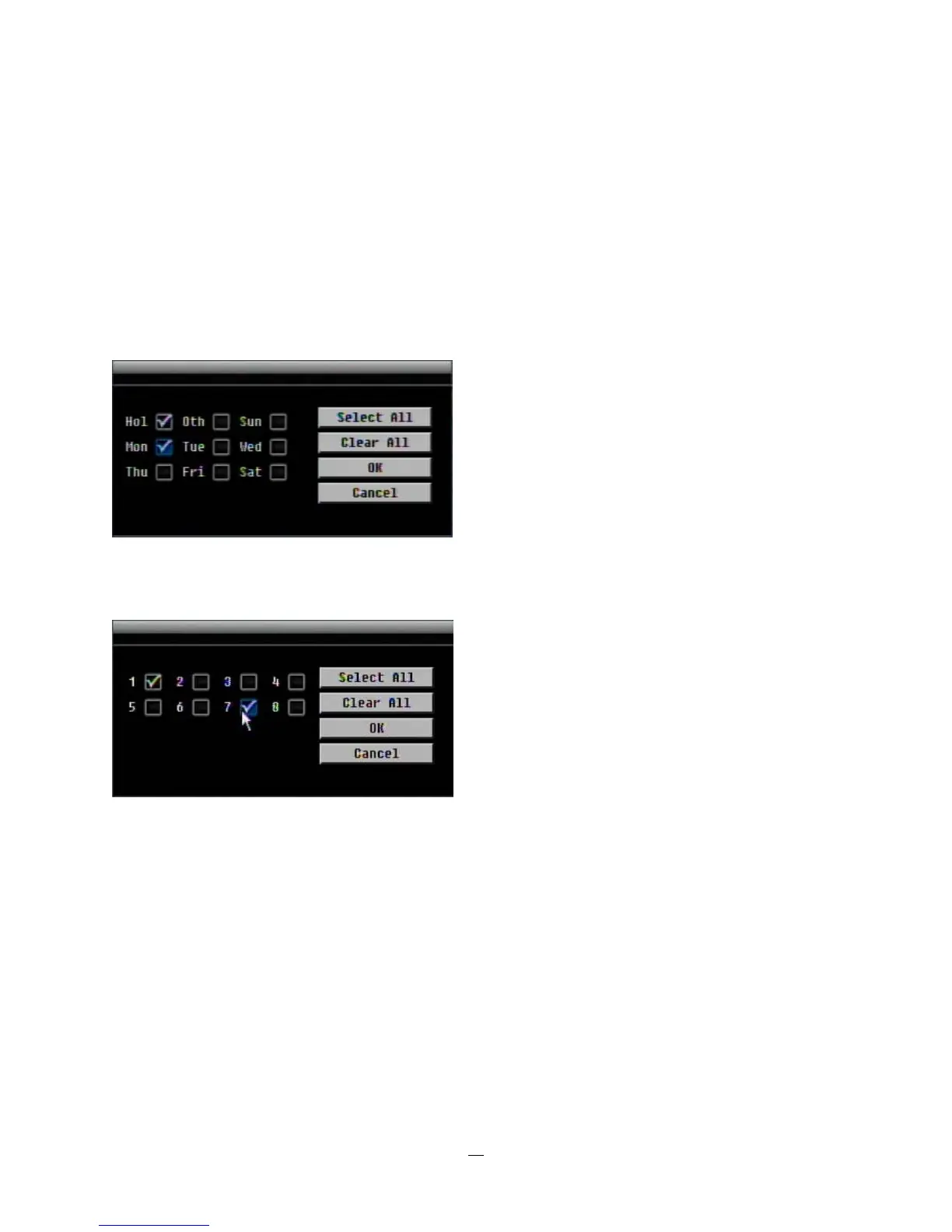
Apply to Days: This button can be used to copy schedules to other days. Select which days you wish to
copy to. "Select All" selects all days, “Clear All” deselects all days. Click “OK” to copy the settings or
"Cancel" to exit without copying.
Apply to Cameras: This button can be used to copy schedules to other cameras. Select which cameras
you wish to copy to. "Select All" selects all cameras, “Clear All” deselects all cameras. Click “OK” to copy
the settings or "Cancel" to exit without copying.














 To Next Page