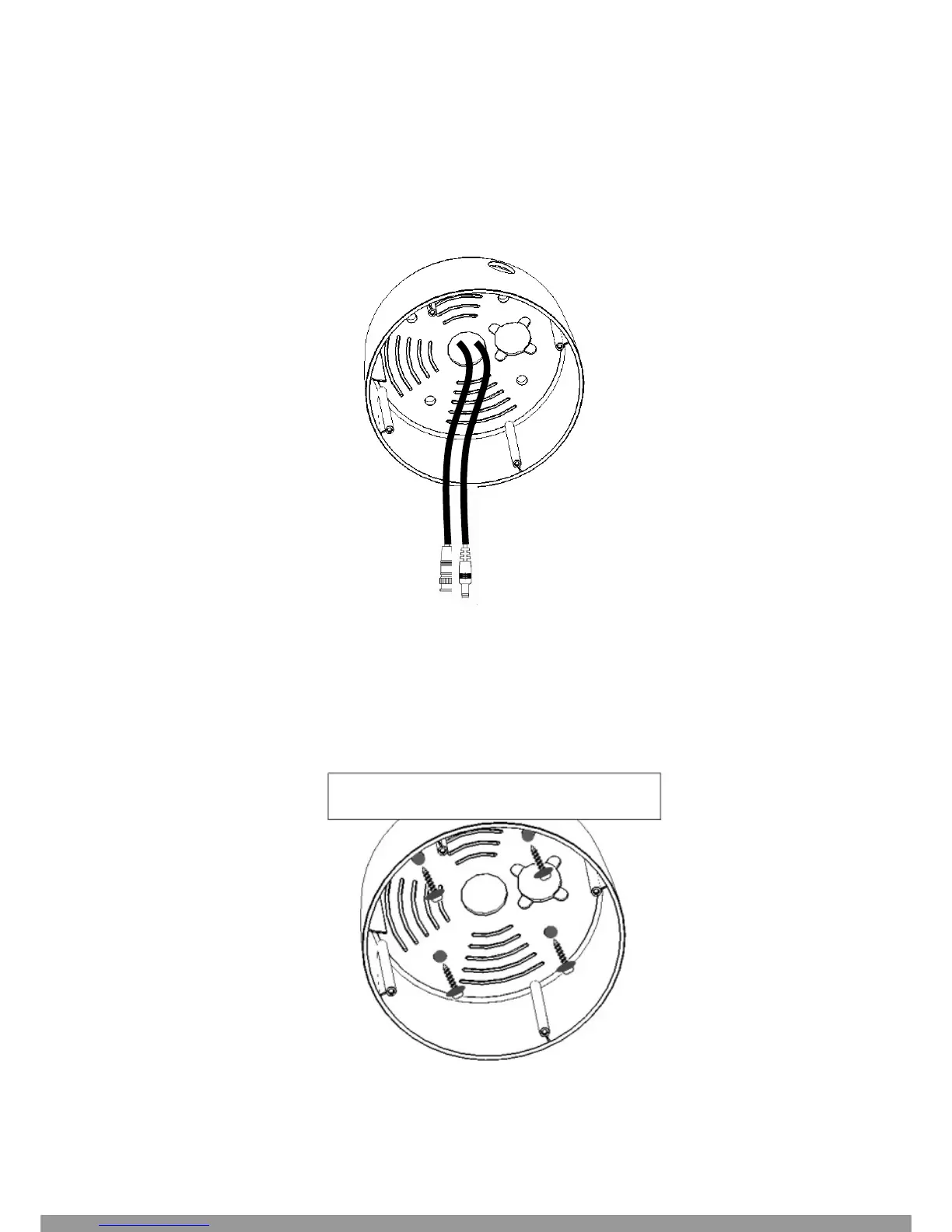
4. Remove dome cover (4 captive hex head screws); remove inner base from outer base (4 Phillips head
screws – retain these for later re-assembly).
5. Pull the cables to be connected to power and video cables into the outer base from the ceiling or wall.
Attach power supply pigtail adapter to power wire if needed.
6. Take a long Phillips pan head screw with a washer and tighten it into a plastic anchor. Repeat the same
step until all the 4 screws are fixed to the wall.
This Manual: http://www.manuallib.com/file/2673673



 To Next Page