10
7. Attach power and video cables from source to cables from camera and push excess wire back into
hole.
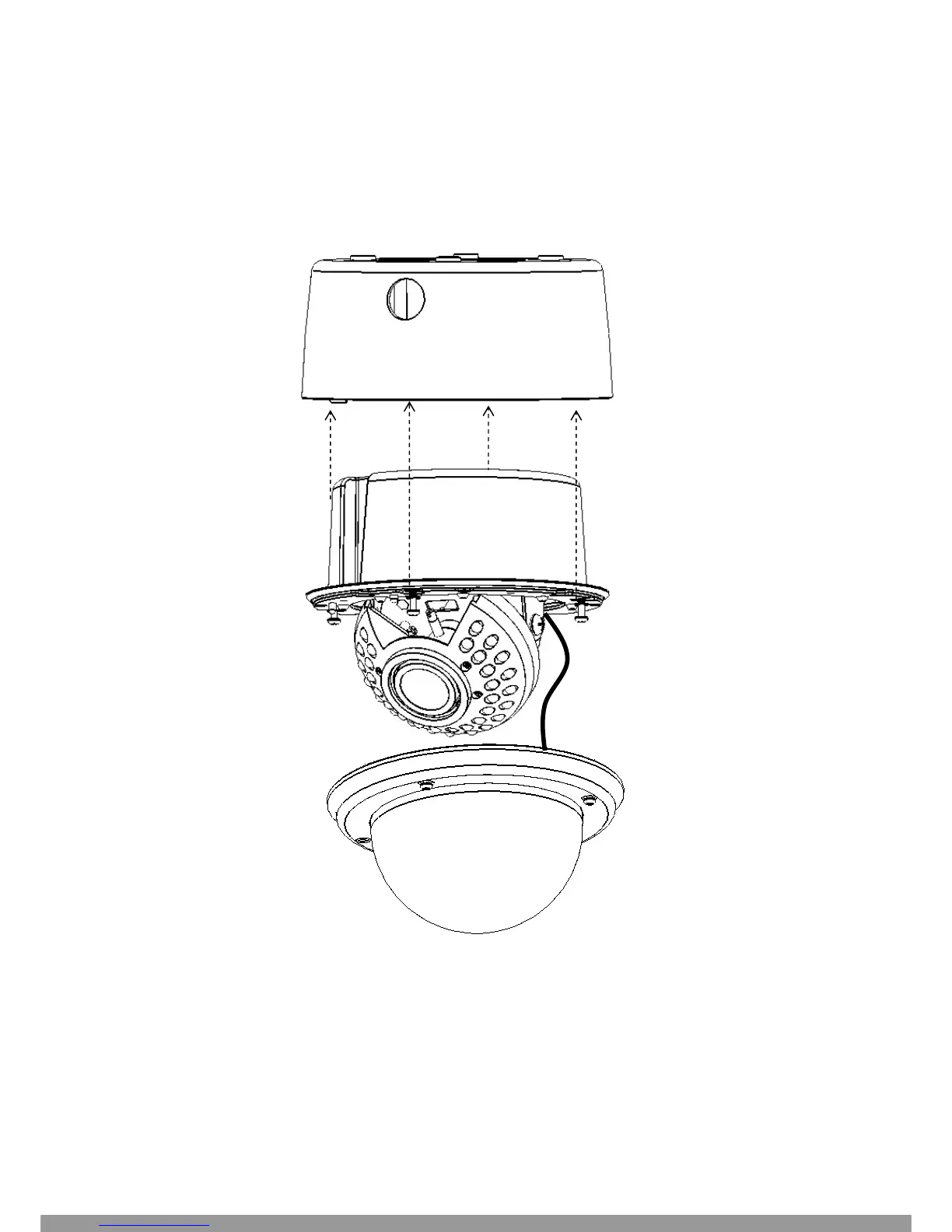
8. Insert inner base into outer base and secure using the 4 Phillips removed in the earlier step. Preposition
camera so it is facing approximately in the desired direction.
9. Attach video test cable to test point on rear of camera module. Aim and focus the camera. Remove test
cable.
This Manual: http://www.manuallib.com/file/2673673



 To Next Page