9
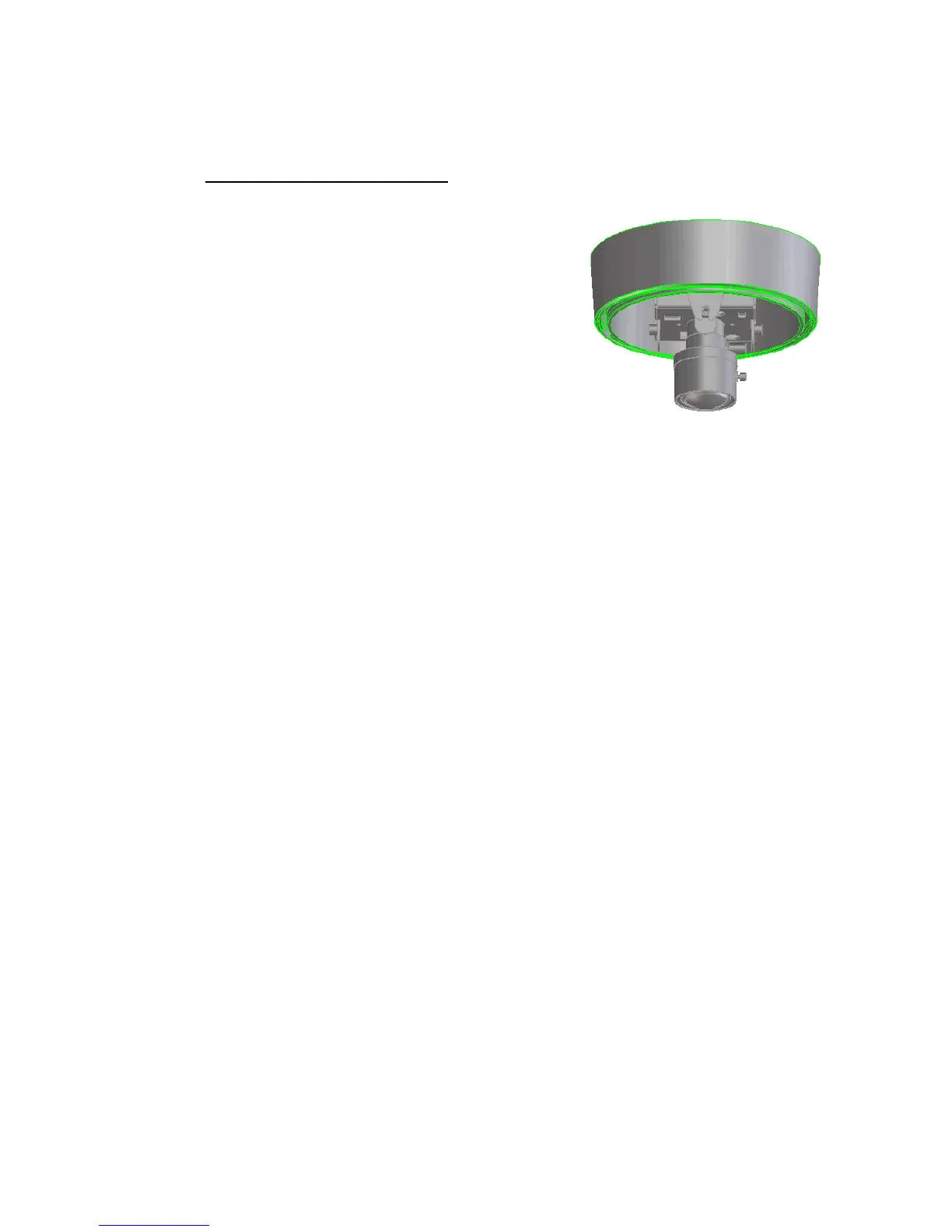
5. Zoom and focus adjustments
After the camera was installed, the zoom and focus of the
lens must be adjusted.
1. Loosen the zoom ring knob, and then turn the ring
towards <W> or <T> as necessary to obtain the
desired view range.
W side (Zoom out)
The viewing range will be wider and the subject is
smaller.
T side (Zoom in)
The viewing range will be smaller and the subject is larger.
2. Loosen the focus ring knob, then turn the ring towards <∞> or <N> as necessary to obtain
the clear video image.
3. Repeat steps 1 and 2 until the best image is obtained. Once the lens setting finished, tighten
the zoom ring and the focus ring knobs.



 To Next Page