10
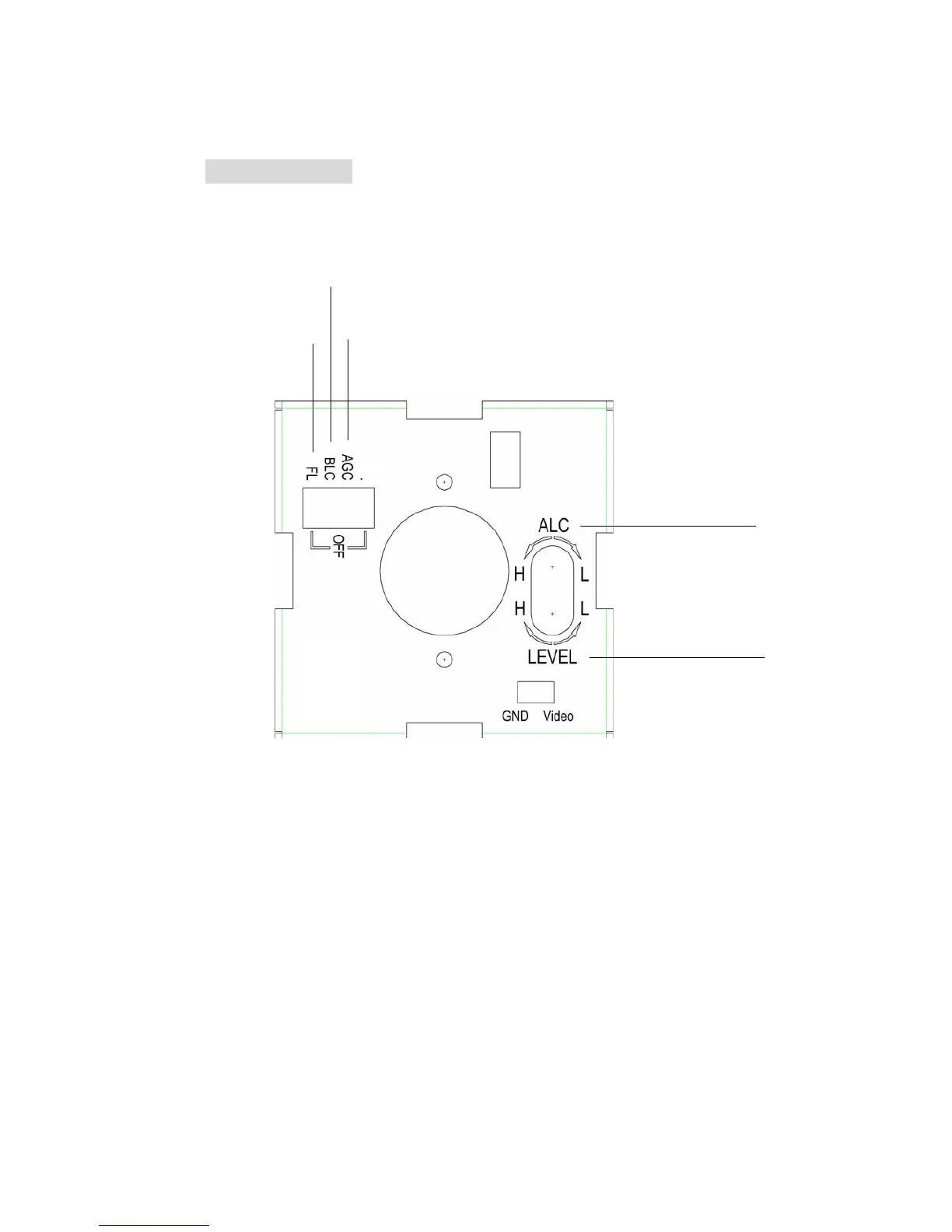
6. Camera Setting
NOTE: Be very careful not to scratch or damage the lens while making any kind of
setting
(1) IRIS ALC Adjustment
To select light metering method:
Turn the IRIS ALC Adjustment VR counterclockwise for Average Metering.
Turn the IRIS ALC Adjustment VR clockwise for Peak Metering.
(2) IRIS Level Adjustment
Brightness Level can be adjusted from the IRIS level VR while using the direct drive lens.
Turn counterclockwise to L to get darker picture.
Turn clockwise to H to get brighter picture.
1
2
3 4
5
Audio
(Optional)



 To Next Page