- 11 -
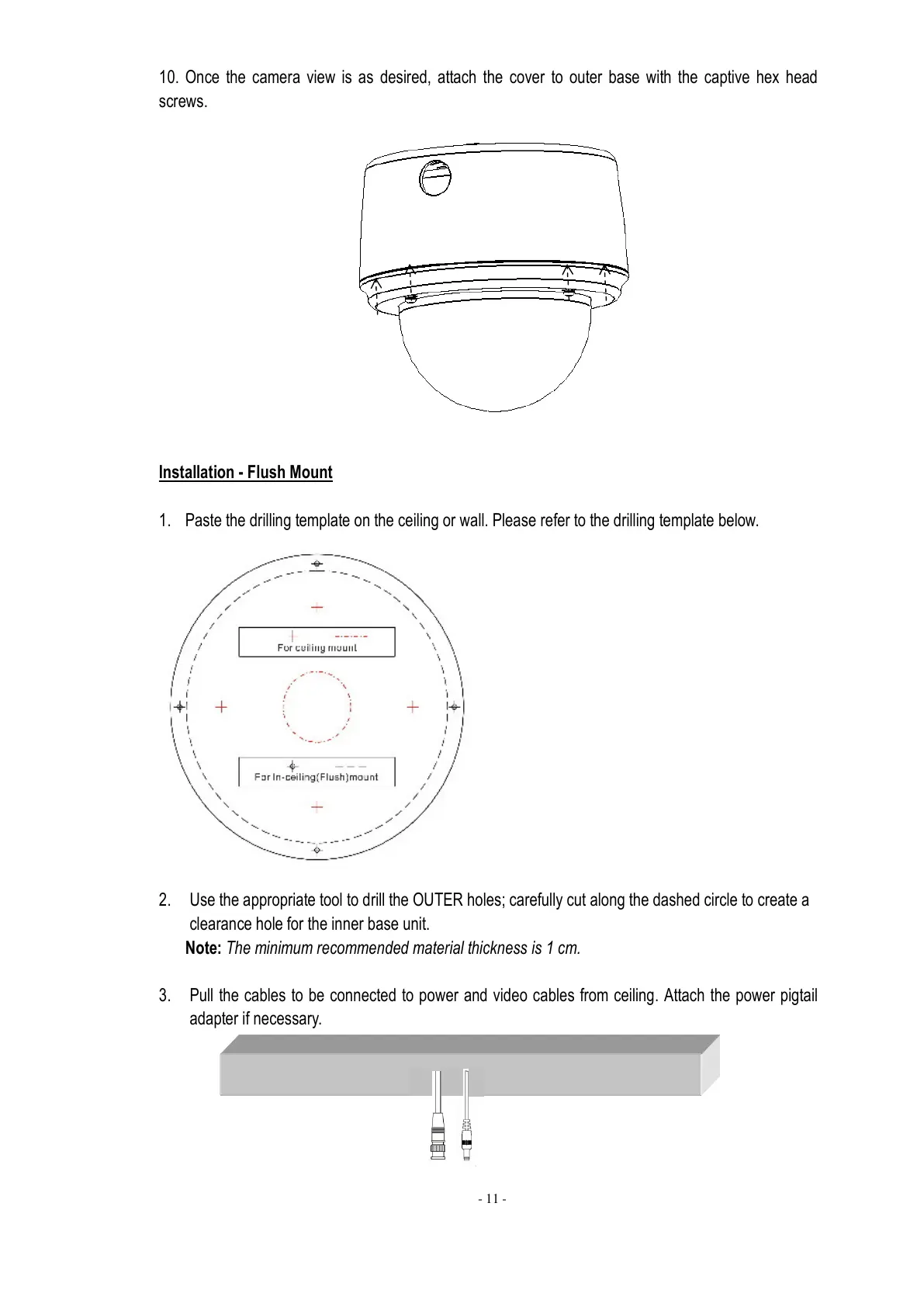
10. Once the camera view is as desired, attach the cover to outer base with the captive hex head
screws.
Installation - Flush Mount
1. Paste the drilling template on the ceiling or wall. Please refer to the drilling template below.
2. Use the appropriate tool to drill the OUTER holes; carefully cut along the dashed circle to create a
clearance hole for the inner base unit.
Note: The minimum recommended material thickness is 1 cm.
3. Pull the cables to be connected to power and video cables from ceiling. Attach the power pigtail
adapter if necessary.



 To Next Page