15
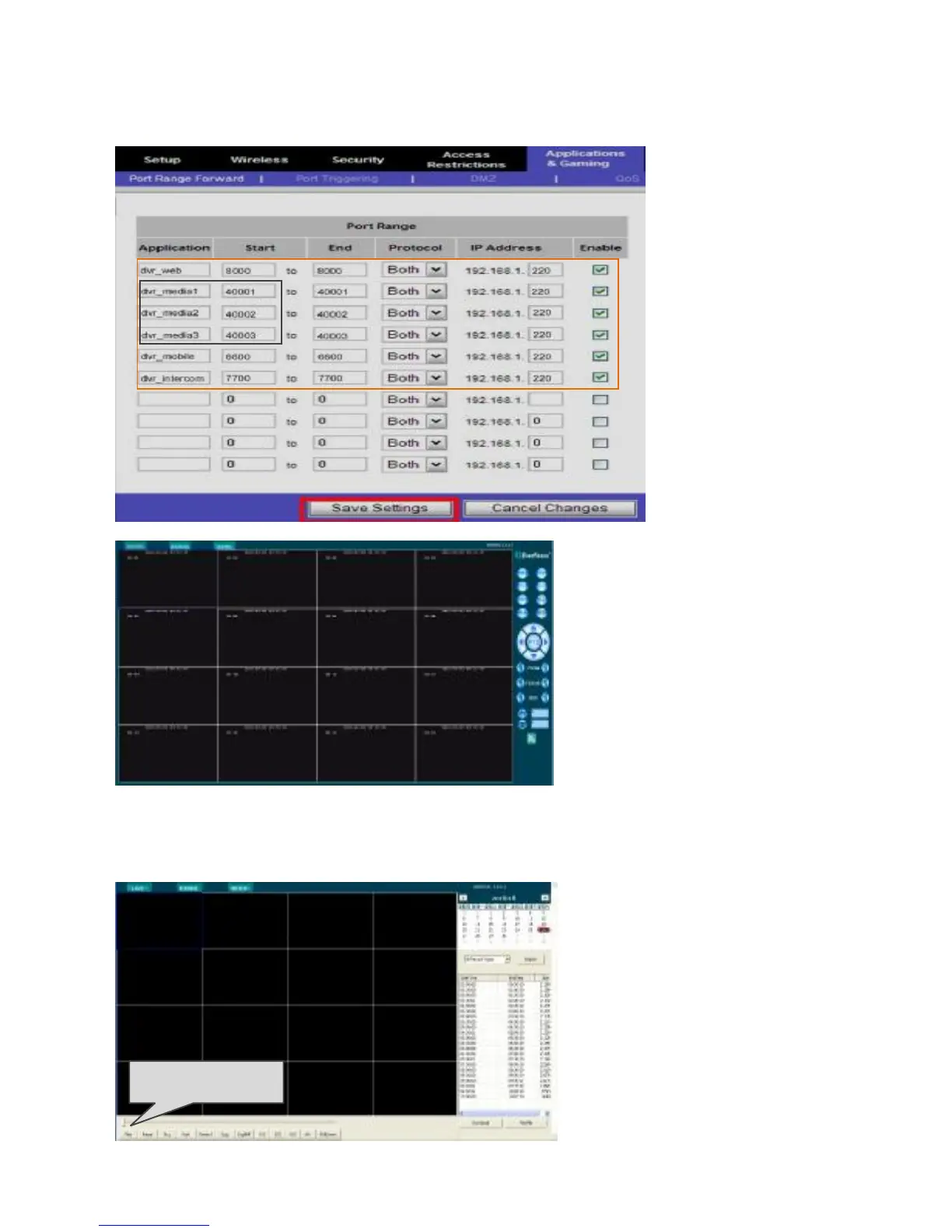
NOTE: all the ports mentioned on the DVR must to be forwarded if you want to
access from internet.
After the successful login, the
following preview screen will
display:
In the preview interface, target
at the video window and click
the right mouse button, and
then you can switch on or off
the preview video and audio
channels.
2.9.3 Playback and download
Search: choose the date and click the 【Seatch】button.
PlayFile: Select a video file in
the video file list, click and
playback. Operate in the
plaback screen.
Download: Select the file and
click to download.














 To Next Page