17
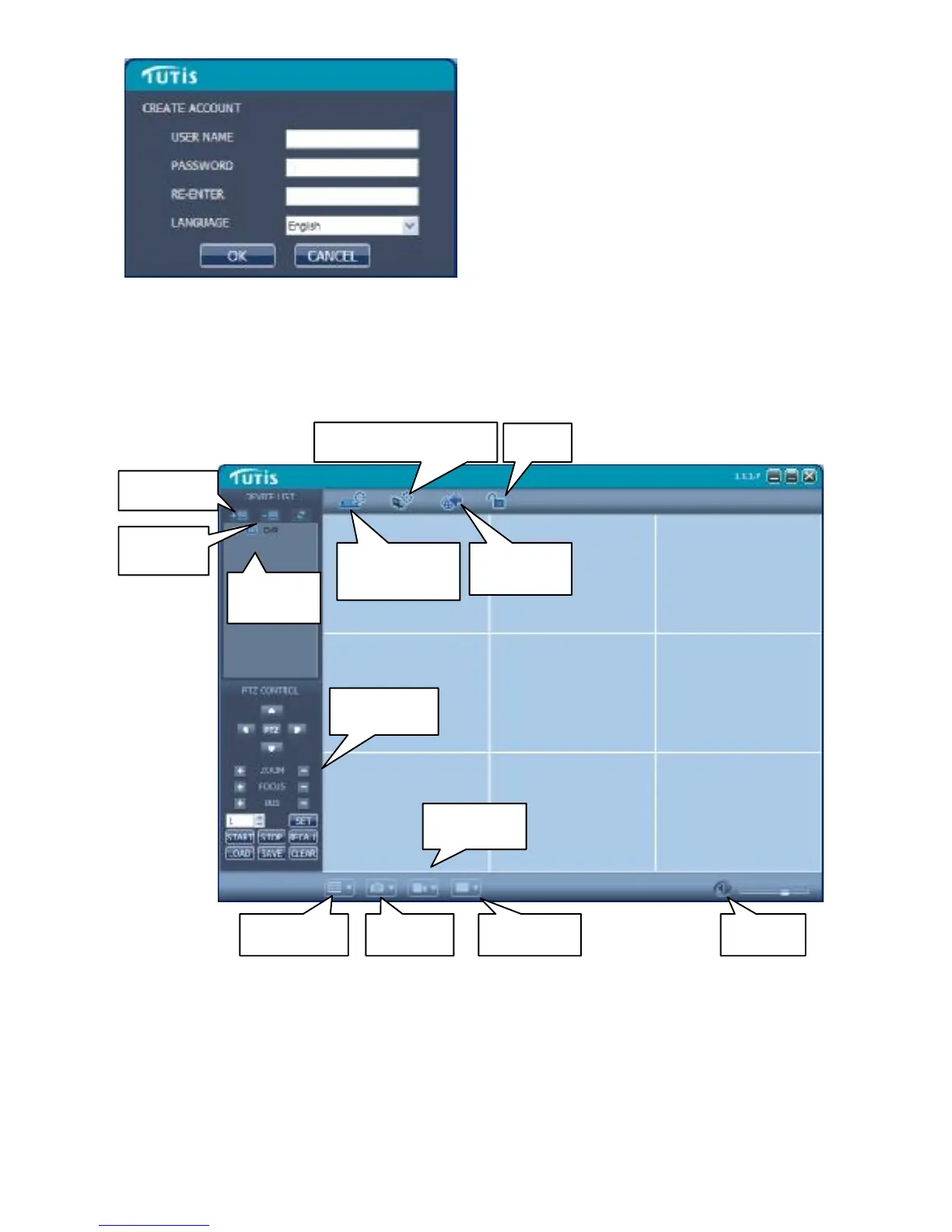
【Password】: Create the initial password
【Re-Enter】: Confirm the initial password
【Language 】 : Several languages are
optional.
Note: If the earlier version of this software has already been installed or forgot, please
delete the file “user.cfg” in the installation menu . The default is “C:\Program
Files\TUTIS CMS\”.
n the TUTIS CMS, there are adding device, live preview, video playback, system setup,
advanced setup, PTZ control and other functions. Please refer to the detailed instruction
of TUTIS CMS in the CD for specific operation.














 To Next Page