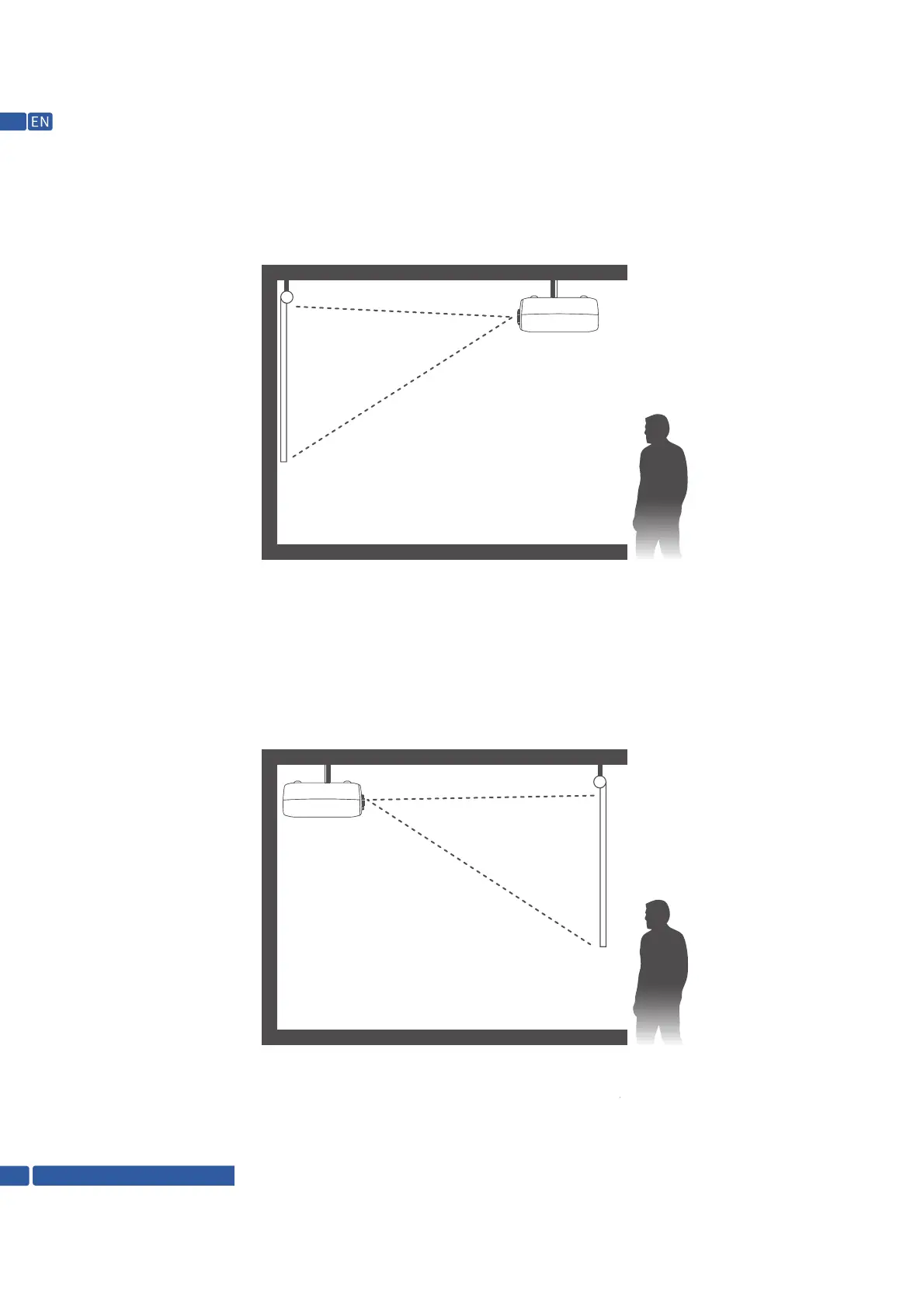
3. Front On Ceiling, which flips the image over top-to-bottom to project upside-down from a ceiling or
wall mount.
4.Rear On Ceiling, in this mode, the projector is placed behind the screen with the lens upside down. This mode
allows you to flip the image over. A compatible screen which supports rear projector will be required.
Note: Wherever you set up the projector, make sure to position it squarely in front of the center of the
screen or the wall.
Support @ 1800-121-4480
12


 To Next Page