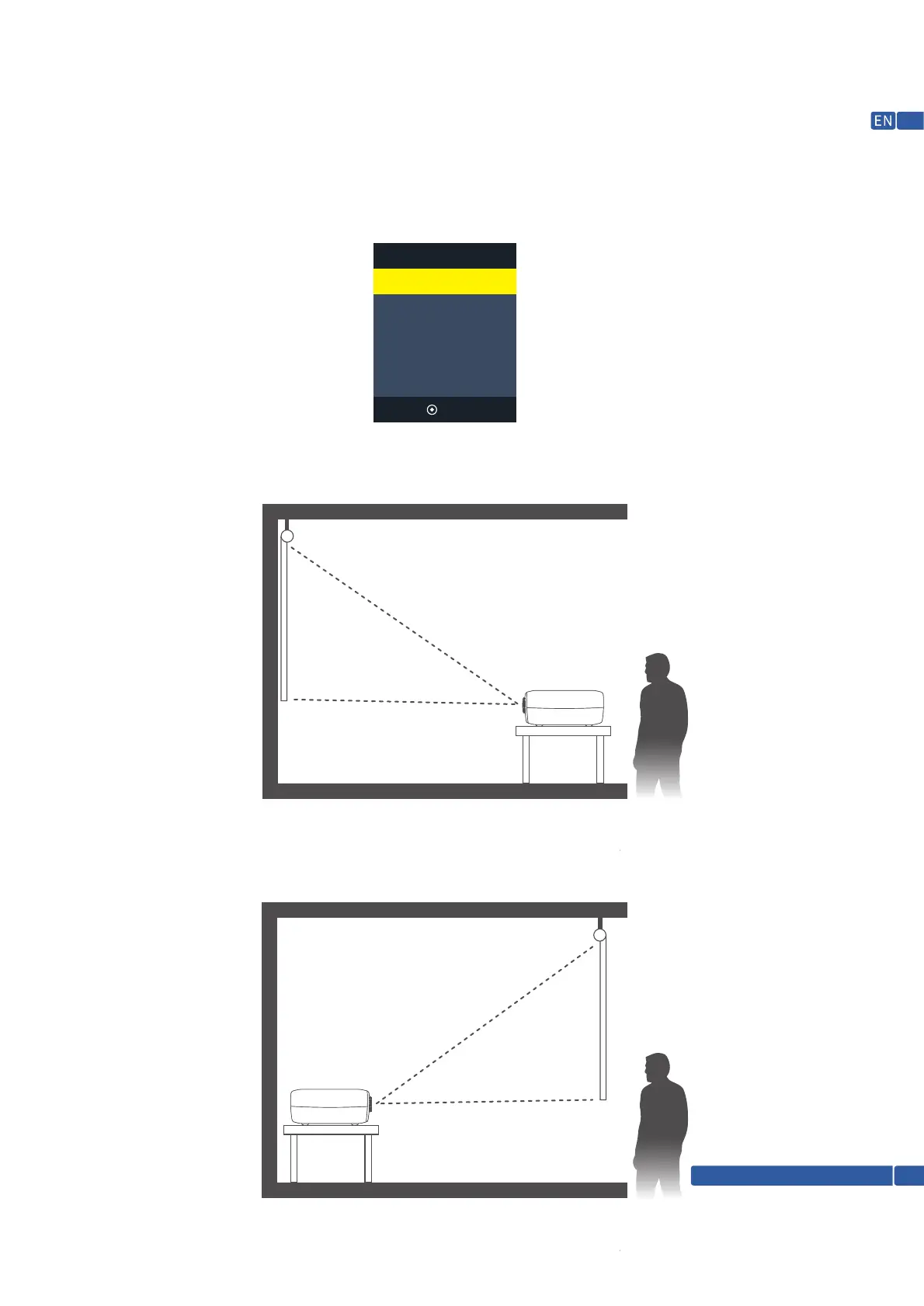
PROJECTOR INSTALLATION OPTIONS
Depending on how you positioned the projector, you may need to change the projection direction to project
your images correctly. If you project from the ceiling or from the rear, please go to please go to Menu—Picture—Flip
to set up the projection modes. There are following modes for different installing options.
Front
Rear On Desk
Front On Ceiling
Rear On Ceiling
OK
1. Front, in this mode, the projector must be placed in front of the wall/screen, and image will be directly
projected to the wall/screen.
2. Rear on desk, in this mode, the projector can be placed behind the screen and a compatible screen which
supports rear projector will be required.
Support @ 1800-121-4480
11


 To Next Page