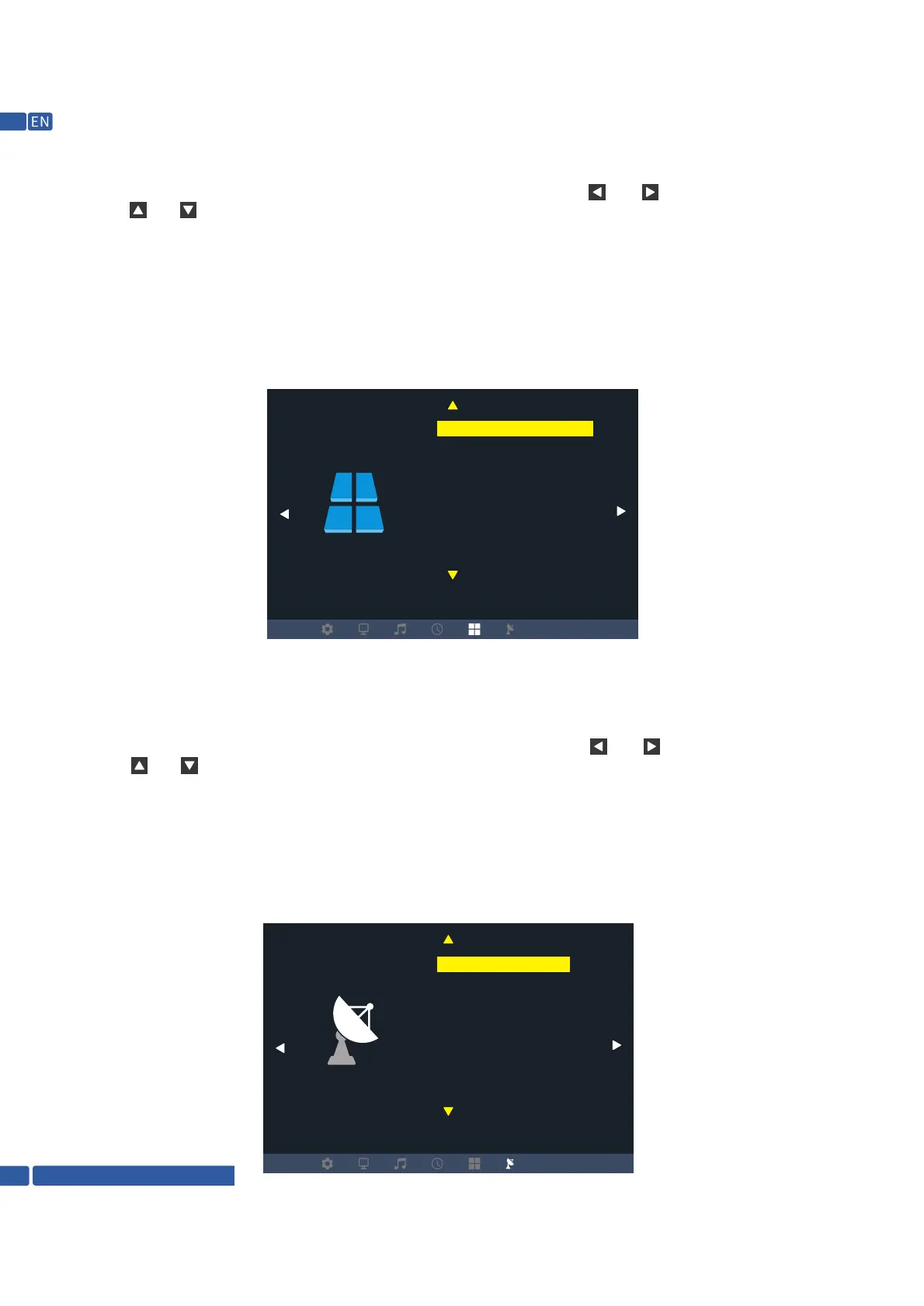
1.4 Option submenu
1.4.1 Operation of the remote controller
Press the key "MENU" on the remote controller to call out the main menu, then press the key " “ or “ " to enter the image submenu:
press the key “ “ or “ “ to select the items to be adjusted, and press the key "OK" to enter setting.
1.4.2 Operation of keys on the projector
Press the key "MENU" to call out the main menu, then press the key "V-” or "V+" to enter the image submenu: press the key "CH- or "CH+"
to select the items to be adjusted, and press the key "OK" to enter setting.
In the option menu, you can perform menu language setting, restore factory default setting, menu
display time setting and internal softwere update setting on the projector.
1.5 Update submenu
1.5.1 Operation of the remote controller
Press the key "MENU" on the remote controller to call out the main menu, then press the key " “ or “ " to enter the image submenu:
press the key “ “ or “ “ to select the items to be adjusted, and press the key "OK" to enter setting.
1.5.2 Operation of keys on the projector
Press the key "MENU" to call out the main menu, then press the key "V-” or "V+" to enter the image submenu: press the key "CH- or "CH+"
to select the items to be adjusted, and press the key "OK" to enter setting.
In the update menu, you can perform ATV auto tuning, manual tuning and programme edit on the
projector.
CHANNEL
Option
Auto Tuning
ATV Manual Tuning
Programme Edit
OSD Language English
Restore Factory Default
Blending
OSD Duration
Blue Screen
Software Update (USB)
Support @ 1800-121-4480
10


 To Next Page