1.2 Sound submenu
1.2.1 Operation of the remote controller
Press the key "MENU" on the remote controller to call out the main menu, then press the key " “ or “ " to enter the image submenu:
press the key “ “ or “ “ to select the items to be adjusted, and press the key "OK" to enter setting.
1.2.2 Operation of keys on the projector
Press the key "MENU" to call out the main menu, then press the key "V-” or "V+" to enter the image submenu: press the key "CH- or "CH+"
to select the items to be adjusted, and press the key "OK" to enter setting.
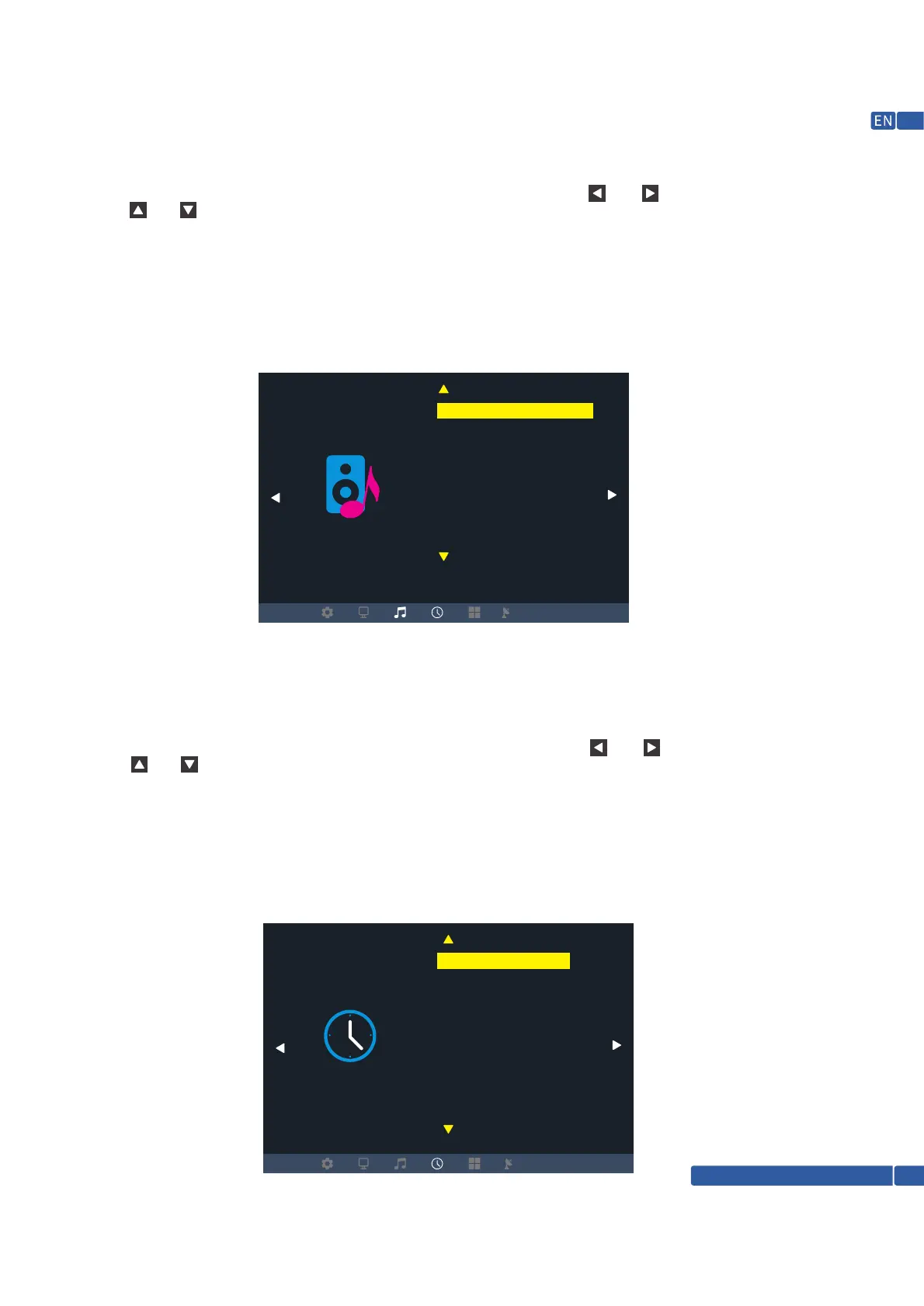
In the sound menu, you can set the sound mode, balance, auto volume, surround sound, fiber mode
and EQ of the projector.
1.3 Time submenu
1.3.1 Operation of the remote controller
Press the key "MENU" on the remote controller to call out the main menu, then press the key " “ or “ " to enter the image submenu:
press the key “ “ or “ “ to select the items to be adjusted, and press the key "OK" to enter setting.
1.3.2 Operation of keys on the projector
Press the key "MENU" to call out the main menu, then press the key "V-” or "V+" to enter the image submenu: press the key "CH- or "CH+"
to select the items to be adjusted, and press the key "OK" to enter setting.
In the time menu, you can set the time (current time, not stored after shutdown), off time, on time,
sleep time and auto sleep of the projector
TIME
SOUND
Clock
Off Time Off
On Time Off
Sleep Timer Off
Auto Sleep Off
Sound Mode Standerd
Balance
Auto Volume
Surround Sound
Support @ 1800-121-4480
09



 To Next Page