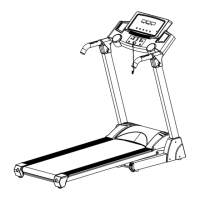
COMPUTER OPERATIONS
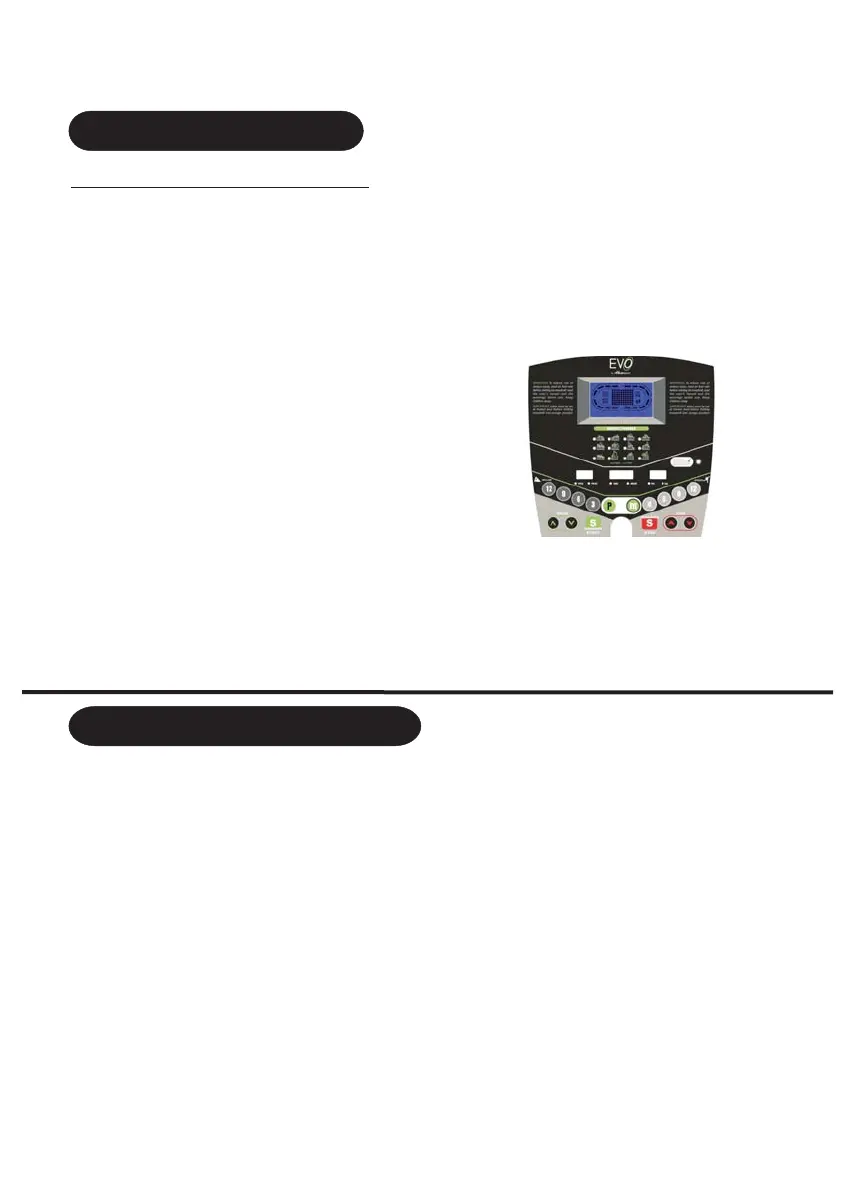
INCLINE:
Indicates incline in percent of
grade in 1% increments
CALORIES: Indicates
estimated calories burnt
PULSE: estimated heart rate
SPEED: Indicates kph in 0.1
increments
DISTANCE: Indicates km
travelled in 0.1 increment
TIME: Indicates time you workout,
can be set to countdown
START: Start the treadmill
MODE: Enter programs selection,
enter time setting, push 3 seconds for
scanning
STOP: Stop the treadmill
CONTROL PANEL FUNCTION
ONE-TOUCH SPEED 4.,6,8,12:Used to reach ideal speed
ONE-TOUCH INCLINE 3,6,9,12: Used to reach ideal incline
CALORIES
Prog: Press Prog button and choose
from manual mode to “P1-P18” “U01-U02-U03”automatic mode to “FAT”
body fat test.
Mode:
When the treadmill is not running, press the mode button to choose countdown modes:
“TIME”(H-1) “DISTANCE”(H-2) and “CALORIE”(H-3) and then normal model
Window display
window: Left LED window
Middle LED window Right LED window
:1 LCD and 3 LED window
LCD running racetrack :Speed and Pulsee
:Time and Incline Window :Distance and Calories date
a One manual program includes time count down mode distance count down
mode calories count down mode
b automatic programs P01 P02 P03 P04 P05 P06 P07 P08 P18
c One body fat program,3 user ,U1,U2,U3.
d: 1 HRC program
a: Put the safety key on the holder of the console beeper beeps once computer will
display then you are ready to go into the manual mode.
b: Press the start key the middle window will indicate 5-4-3-2-1 beeper will beep five
times then you are ready to start your treadmill
.
:,
,;
: :,,,,,,,,,,;
:
,,
,
,,
,;
1 Program instruction
2.Start instruction
24
a Turn on the power enter normal mode under manual program
b Manual program has 3 settings: time setting, distance setting and calories setting.
When you start to enter manual mode the time window indicates 0:00
3. Manual Model
:, ;
:
;
9
PROGRAM AND START INSTRUCTION


 To Next Page