EasyManua.ls Logo

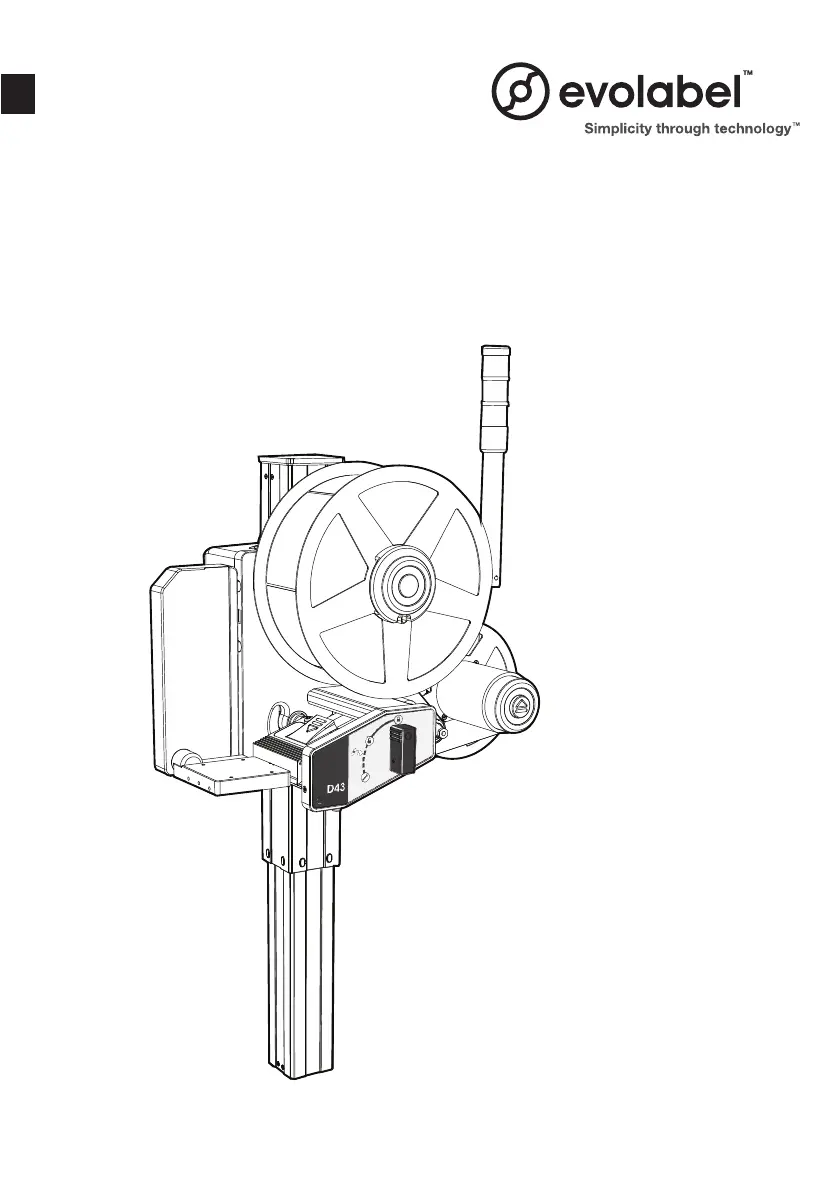
Evolabel D43 - User Manual

Default Icon
16 pages
Print Icon
To Next Page IconTo Next Page
Loading...
USER MANUAL
EN
Models: D43 / T43 / T63

Questions and Answers

  • C
    Crystal BlackburnAug 3, 2025
    How to fix bad quality text or stripes on Evolabel Printer labels?
    • S
      Sarah HillAug 3, 2025
      First, verify that you are using the correct label and ribbon quality. If the issue persists, clean the print head. If the problem still isn't resolved, the print head may need replacing.

Summary

Safety Information

Product Operation Guide

Changing Labels

Step-by-step instructions for replacing the label roll on the applicator.

Changing Ribbon (T43;T63)

Instructions for replacing the ribbon on T43/T63 models, with detailed steps.

Cleaning Procedures

Basic Troubleshooting

Text Quality Issues

Troubleshooting steps for poor text quality or stripes on labels.

Incorrect Text Positioning (Width)

Solutions for labels where text is incorrectly positioned horizontally.

Incorrect Text Positioning (Length)

Solutions for labels where text is incorrectly positioned vertically.

Label Application Errors

Troubleshooting for labels that are not applied or are mispositioned on the product.

Evolabel D43 Specifications

General IconGeneral
BrandEvolabel
ModelD43
CategoryPrinter
LanguageEnglish

Related product manuals