17
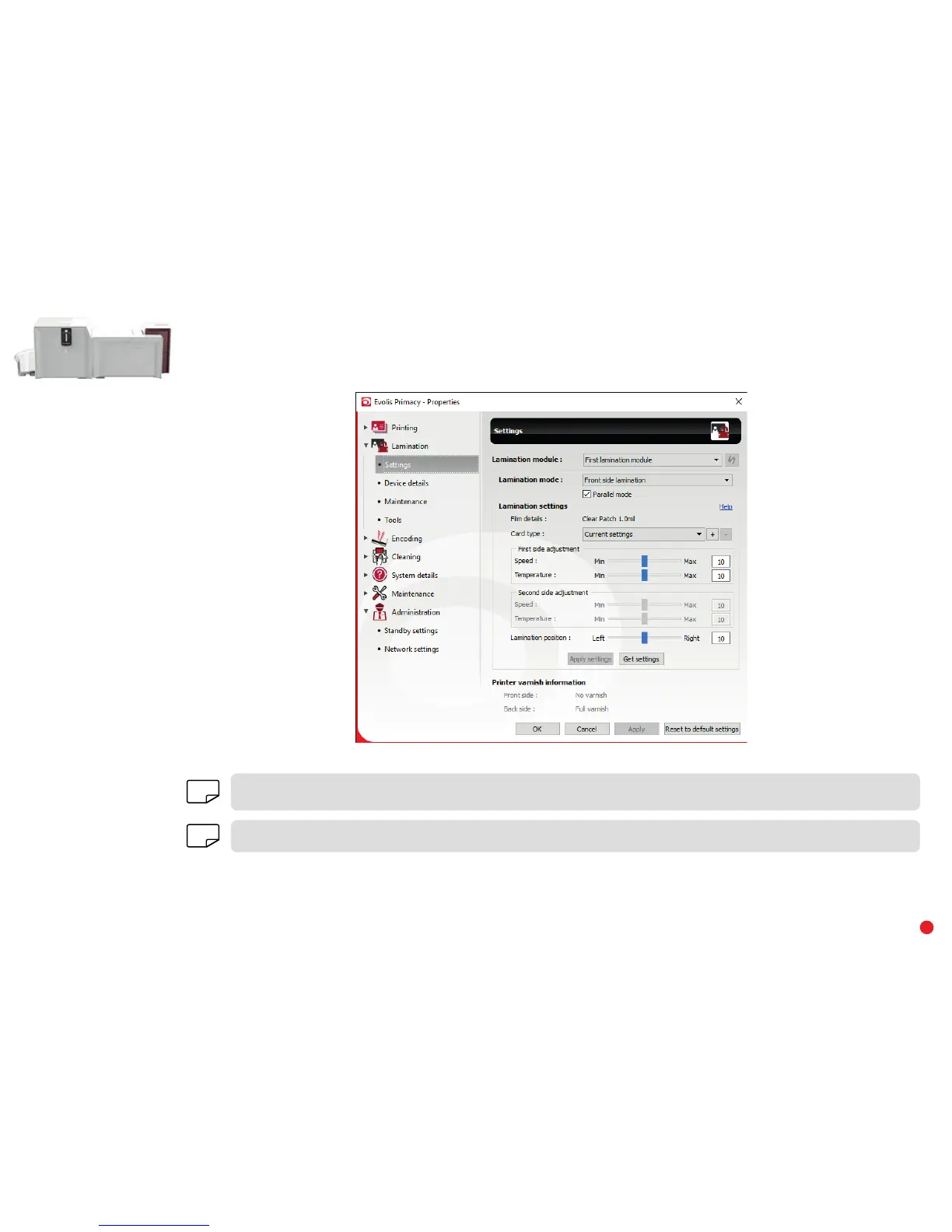
• Select the desired printer.
• Right-click the name of the printer, select Properties to access the settings area or double-click the printer name.
NOTE
Pay attention to the settings defined under the print driver properties and do not hesitate to contact your Evolis reseller for any advice
and assistance needed before making any changes.
NOTE
Please refer to the online Help for more details on the meanings of each of the settings.



 To Next Page