20
4
DOUBLE-SIDED PRINTING
If your printer is single-sided and you want to print double-sided, you can buy a double-sided printing update kit by contacting your Evolis reseller.
The update kit is an activation key that you insert into the printer. This operation is quick and easy.
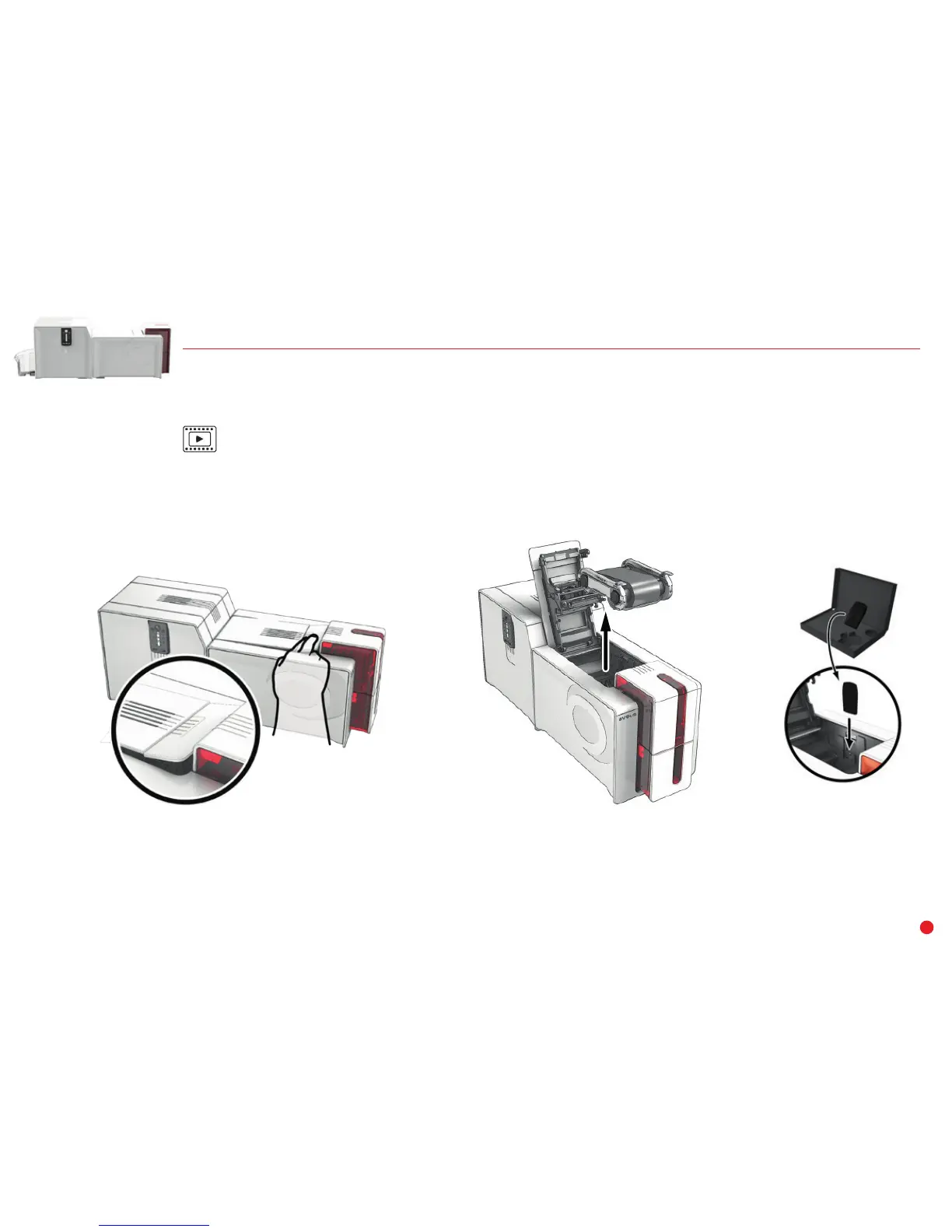
Follow the procedure below:
1 Switch on your printer. It should not be switched off or in standby/hibernation mode.
2 Open the printer cover.
3 Remove the ribbon from the printer.
4 Insert the key as shown in the diagram.
1
2
3



 To Next Page