19
CLEANING THE TEMPEST FILTER
TROUBLESHOOTING
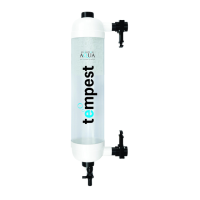
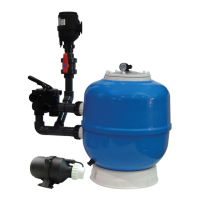
The Tempest filter should be cleaned regularly as required. A cleaning process
drops 25 litres of water to waste.
STEP 1: Switch pump off.
STEP 2: Close all slide valves on inlet and outlet.
STEP 3: Open the tap(s) on the waste valve assembly. Air enters the filter causing
the filter media to move and clean as the water drains to waste.
STEP 4: Once the water has emptied from the filter(s) and the media sinks to the
bottom, close the tap(s) on the waste valve assembly.
STEP 5: Open all slide valves on inlet and outlet.
STEP 6: Turn pump back on. Water will re-fill the tube and media will rise to
the top.
STEP 7: Repeat this procedure, if necessary, switching the pump off just before
the water reaches the top of the filter. This prevents water going back
into the pond during the cleaning cycle.
If the media does not agitate well during the cleaning process:
1. Check the air valve is not blocked.
2. Check the slide valves are fully closed.
3. If the media is very dirty this may cause the pack to clump together.
Multiple cleans should clear this.
4. If the white end cap at the bottom of the filter is full of waste it is possible to
clear this by switching off the pump and unscrewing the waste valve assembly,
allowing the blockage to clear.
IMPORTANT: The pump must be turned off and slide valves closed
before opening the tap on the waste valve assembly.
IMPORTANT: Ensure there is a way of disposing the waste water
before cleaning.
IMPORTANT: On modular filter installations, with more than one
tempest filter, ensure all filters are isolated and cleaned independently.



 To Next Page