9
FAQs
FAQs
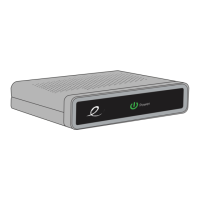
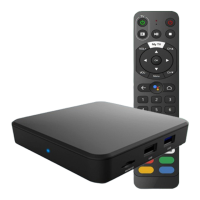
Why won’t my HD Set-Top Box turn on?
• Doublecheckthatthepowercordisconnectedtothe
HD Set-Top Box and the AC wall outlet.
• IftheHDSet-TopBoxisconnectedtoanotherunit
(such as a switched outlet or DVD player), verify that
the unit is powered on.
Why do I have no sound when viewing cable channels?
• VerifythattheMUTEbuttononremotecontrolhasnot
been pressed; try pressing the MUTE button to restore
sound for both the HD Set-Top Box and television.
• VerifythatthevolumeontheHDSet-TopBoxisnot
turned down. Press the volume up on the Set-Top Box
remote. Volume level will be displayed on the bottom
of the screen.
• Doublecheckyouraudioconnections.Refertothe
CABLE CONNECTIONS section on page 3 to verify
the correct cables are being used for the audio ports. If
they match the diagrams, make sure they are firmly
connected to the ports on both the TV and HD Set-Top Box.
What should I do if there is no video or picture on the
TV screen?
• TryanotherchannelorenteryourPINcode,thischannel
may be restricted from viewing.
• VerifythatyourTVismatchingthesettingonthe
HD Set-Top Box. For instance, if you’ve connected using
the coaxial jumper cable, make sure you have the same
channel selected on the TV and 3/4 switch on the back of
the HD Set-Top Box. Refer to CABLE CONNECTIONS
section on page 3 for more details.
• Doublecheckallyourcableconnections,including
verifying your coaxial cable is securely tightened onto
both the cable wall outlet and the INPUT port of your
HD Set-Top Box. Verify that all video cables between the
HD Set-Top Box and the TV are firmly connected. Refer
to the CABLE CONNECTION section on page 3 for
more detailed information regarding the correct
connections and alternative video cable options.
• IftheHDSet-TopBoxvideooutputisconnectedtoa
home theater unit, verify that the home theater unit is



 To Next Page