Need help?
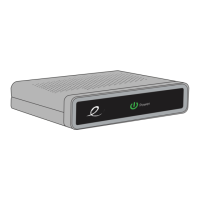
Do you have a question about the Evolution Digital HD-uDTA-E and is the answer not in the manual?
Read and follow all safety instructions for equipment use. Do not expose to water or block vents.
Highlights risks of fire, electric shock, and proper servicing procedures.
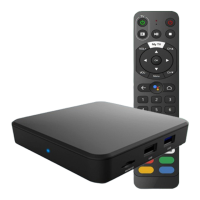
Details the contents of the box and the initial steps for setup, activation, and remote pairing.
Provides instructions for connecting the HD Set-Top Box using HDMI or SD coaxial cables.
Explains remote control buttons, pairing, unpairing, and forcing volume control.
Guides on providing diagnostic menu screenshots for troubleshooting.
Explains how to access and use the diagnostic menu with remote control buttons.
 General
| Model | HD-uDTA-E |
|---|---|
| Category | Set-top boxes |
| Manufacturer | Evolution Digital |
| Type | Digital Transport Adapter (DTA) |
| Tuner Type | QAM |
| Video Output | HDMI |
| Audio Output | HDMI |
| Connectivity | HDMI |
| Power Supply | External Power Adapter |
| Remote Control | Included |
| Resolution Support | 480i |


 To Next Page