HD
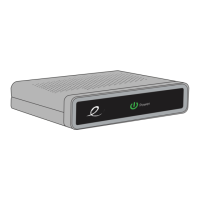
Thank You for choosing the Evolution Digital High-
Definition Set-Top Box (HD STB). You can now enjoy
viewing Standard-Definition (SD) or High-Definition
(HD) programming on an analog or digital television
set. When connecting the Set-Top Box with an HDMI
cable to your HDTV, you will be able to view HD
programming with easy-to-use on-screen menus
and navigation.
Setup your HD STB by
following the connection
diagrams on page 3.
Activate your HD STB
by calling your cable
provider or going online
(if available).
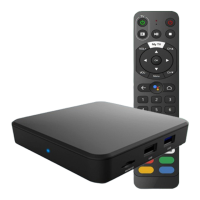
Pair your remote with your
HD STB and TV by following
the directions on page 6.
1 setup 2 activate 3 pair remote
Let’s get started! è



 To Next Page