6
Basic functions
Use the following buttons to navigate through the menus on your
mobile phone. Some buttons can control two functions depending
on the menu selected.
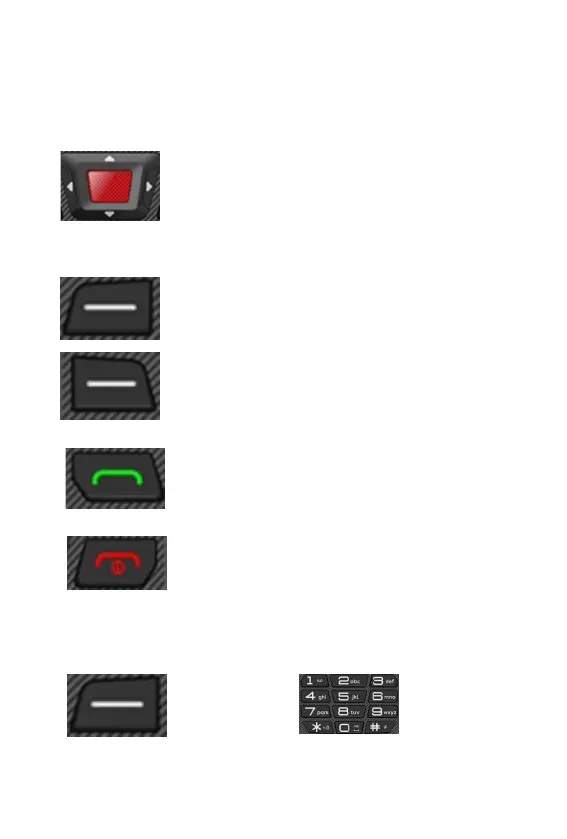
You can move up and down, left and right in the
menu. On the home screen, you will find quick
access functions that can be set freely. The
middle button is used to confirm an action or
enter the menu.
Cancel the settings or go back one menu level.
Open the sub-menu or confirm the action.
To answer, end or reject a call, use the following buttons:
Answer an incoming call or start a conversation.
Press on the main screen to view all calls made.
End a call in progress.
Or reject an incoming call. Press on the main
screen to turn off the display and lock the
keypad
Use the following buttons to enter a phone number or delete call
records:
Delete records. Enter numbers and letters.



 To Next Page