7
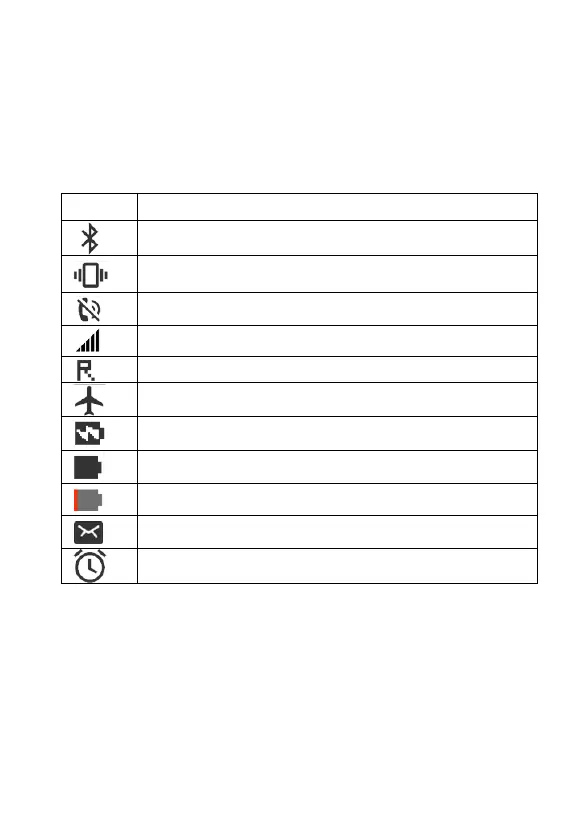
Status bar
The status bar at the top of the home screen contains notifications
and information about your phone's status and services.
Remark: Status and notification icons may change. Not all icons
are shown below.
Overview of the most important features
These menus are displayed directly on the mobile phone screen.
News
1. From the Messages menu, you can write text messages (also
called "SMS"), view, reply to, forward and delete received and sent
text messages, write message concepts and make other settings.
Bluetooth®



 To Next Page