The space of the memory card for video files is divided in half for the
Dash Cam and Action Cam modes (the ratio of these modes can be set in
the mobile application).
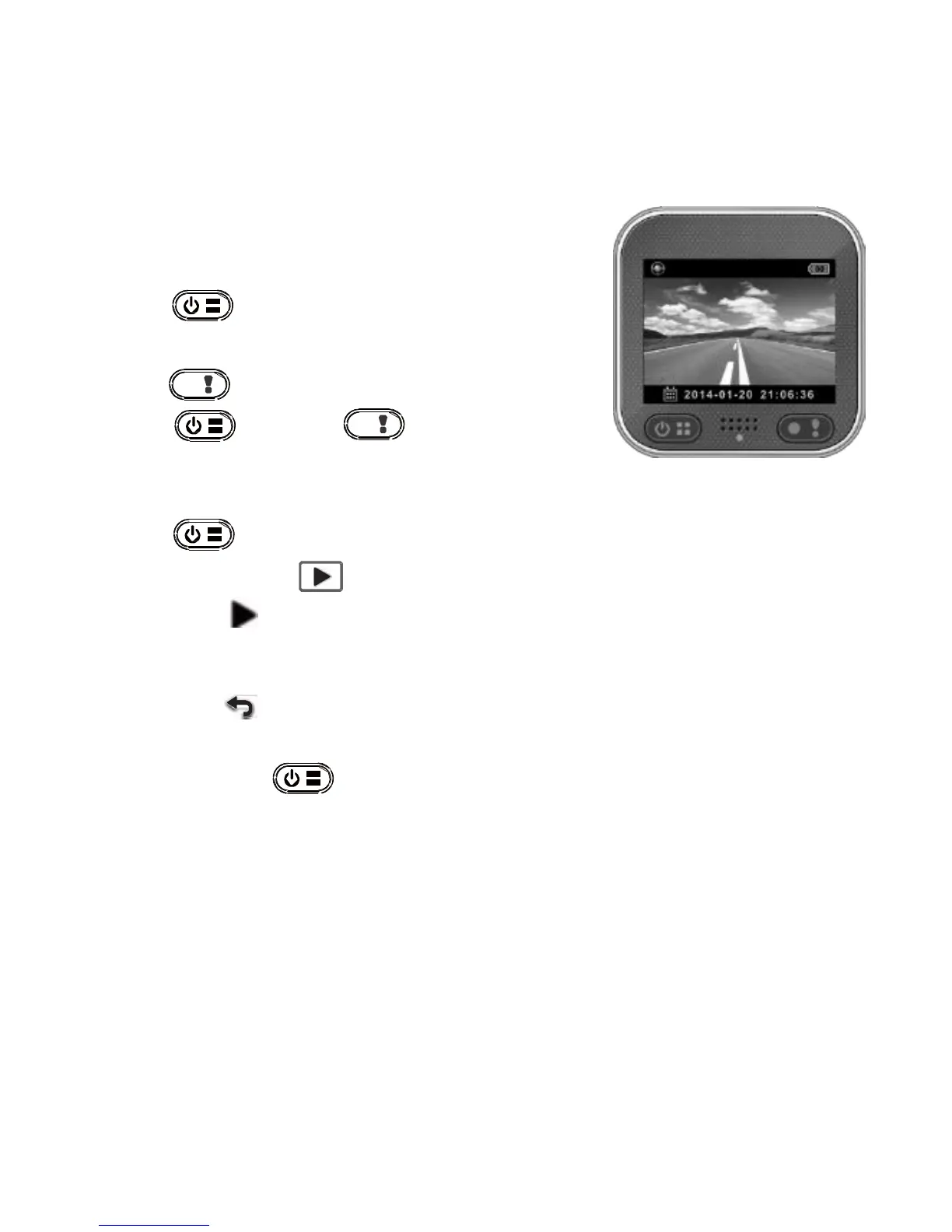
Shooting Video
1.
Power on:
Press to turn the camcorder on.
2.
Record:
Press to start recording.
Press and then to stop.
3.
Playback:
Press to enter menu settings.
Select [Playback ].
Press [Play
] to play the video and press [Stop] to stop.
4.
Return to preview:
Switch to [ ] to return.
5.
Power off:
Press and hold for 2 seconds.
4
|
English



 To Next Page