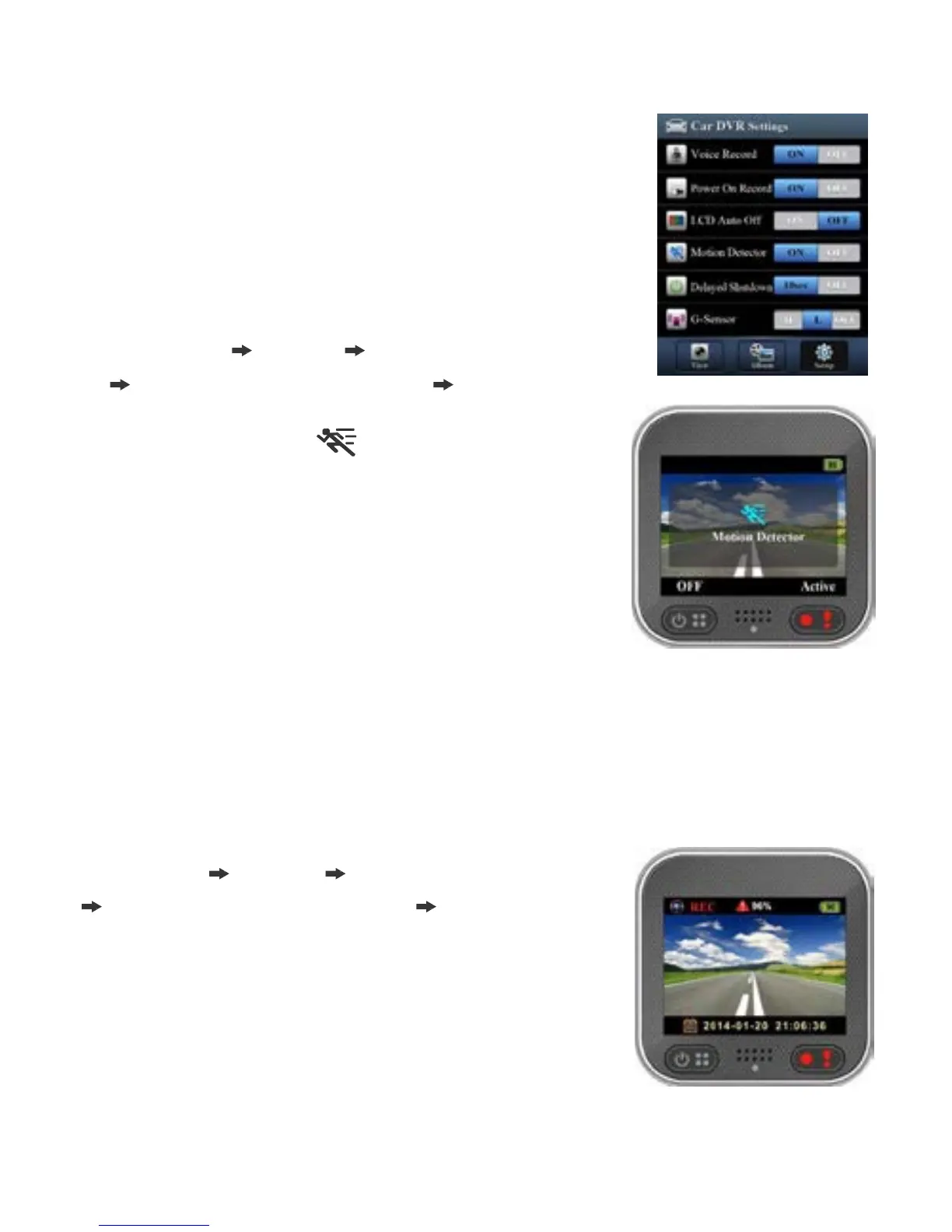
Motion Detector Setup
When car's engine stops and motion is
detected, camcorder automatically records
videos till no motion is detected.
1.
Set Camcorder to dash cam mode.
2.
Go to APP [Setup] [ Car DVR Settings]
Turn on [Motion Detector] Tap [Save].
3.
Camcorder shows on screen.
G-S ensor Setup
When camcorder is recording and any impacts happen, camcorder
automatically records emergency events if G-Sensor is set.
Go to APP [Setup] [ Car DVR Settings]
Select [G-Sensor], [H]/[L] Tap [Save].
Note : [H] High sensitivity.
[L] Low sensitivity.
English
|
11



 To Next Page