Record Modes
Camcorder has two recording modes for different
applications: Action Cam: Shoot normal videos.
Dash Cam: Shoot loop and emergency videos.
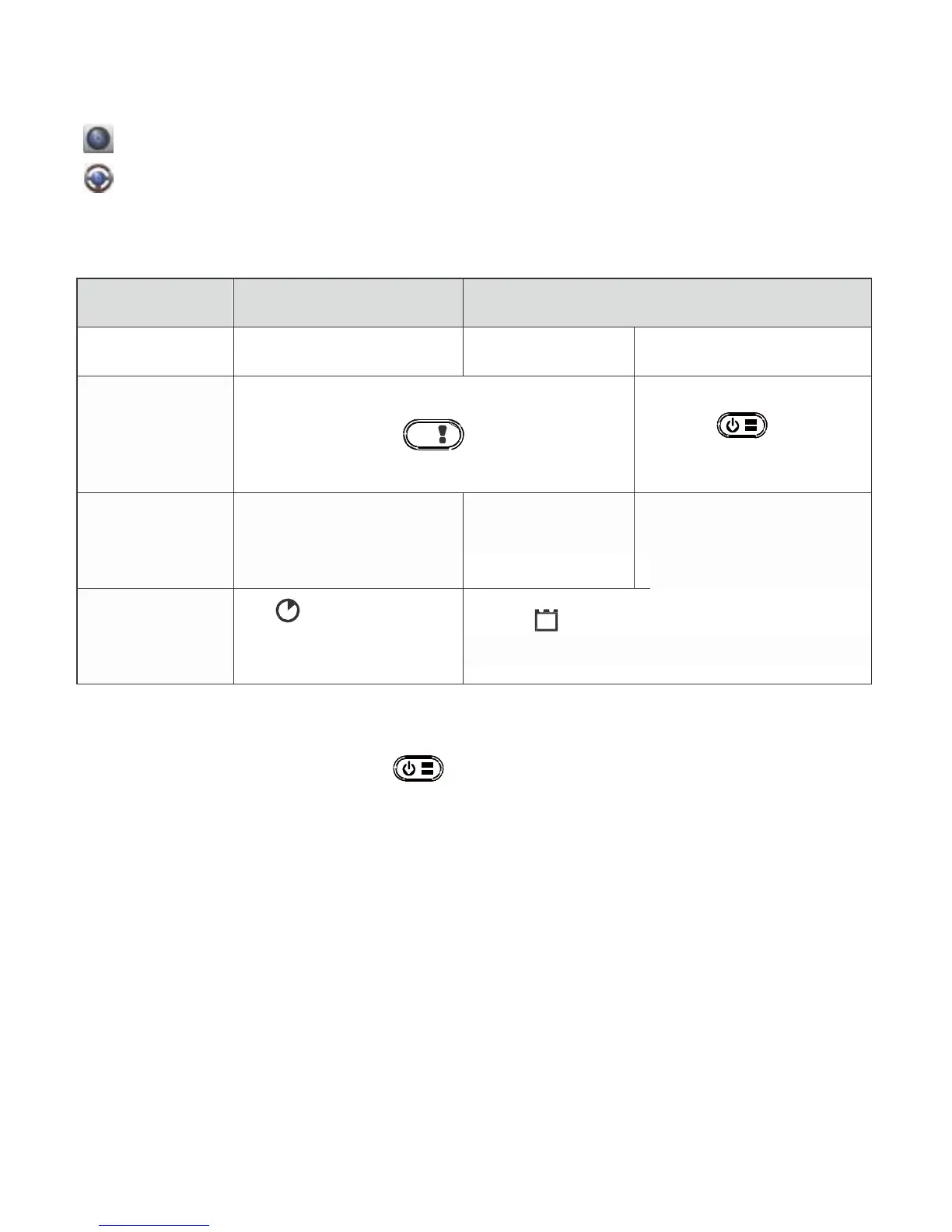
Comparison between modes:
Mode Action Cam Dash Cam
Record type Normal
Loop
Emergency
Note: 1. During loop recording, oldest files are overwritten if microSD card is
full.
2. During loop recording, press
mute function.
Transfer Files to PC:
to enable/disable
1. Connect camcorder to PC via Micro USB cable.
2. Find video at "My computer\Removable Disk\".
3. Copy, move, delete, and playback videos on PC.
View Camcorder Screen on TV:
1.
Connect camcorder to TV via Micro HDMI cable (not included).
2.
Turn on camcorder.
3.
Camcorder screen displays on TV simultaneously.
6
|
English



 To Next Page