4.
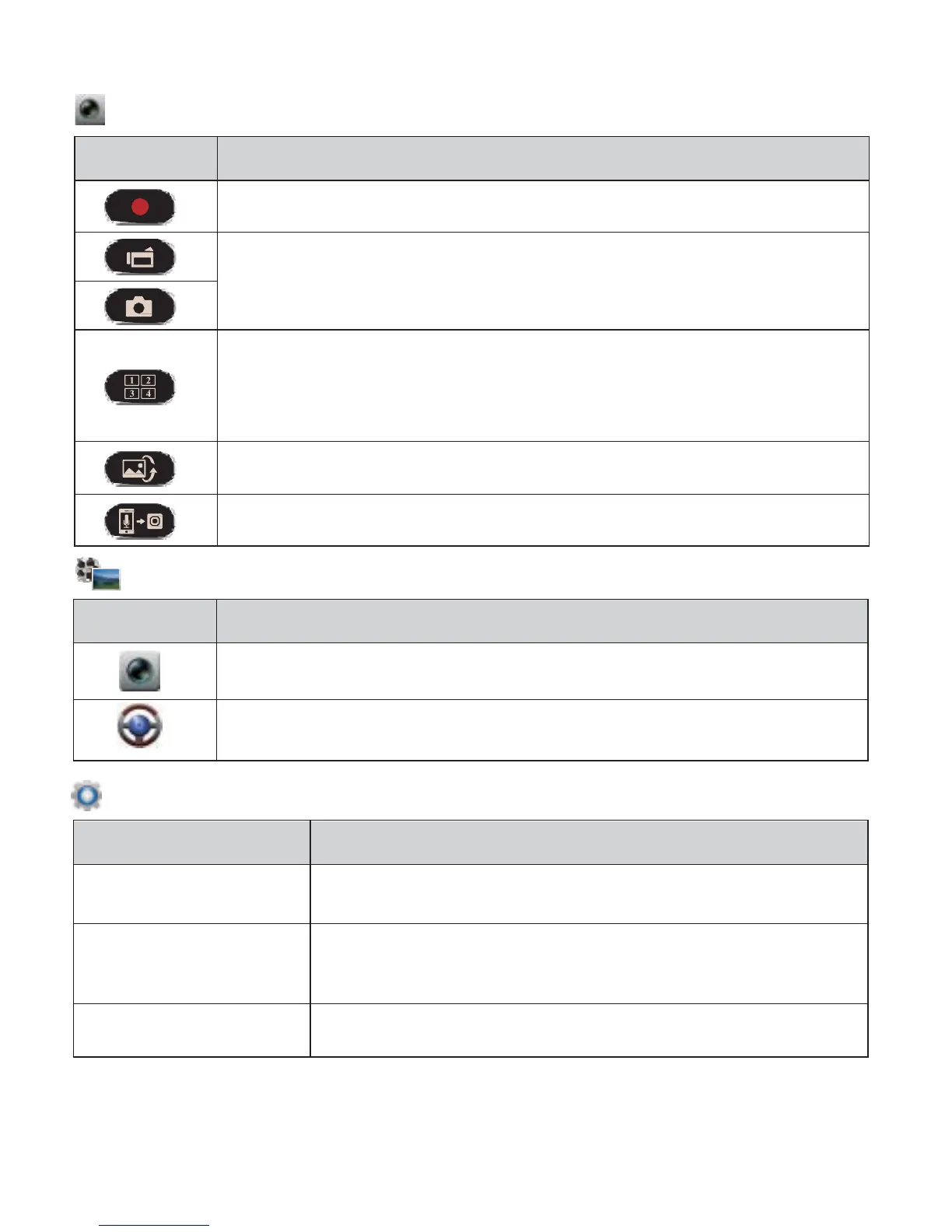
【Local】function has three function pages: View, Album and Setup.
View Page
Items Description
Shoot videos and files are saved into camcorder microSD card
Shoot videos or Take photos and files are saved into
mobile "Album\Unieye Drive\"
For multiple camcorders user:
• Enable Quad-View for multiple live view on mobile.
• In Quad-View, select a window for single view.
Talk to camcorder from mobile
Album Page (for camcorder)
Folders Description
View or delete video files recorded in action cam
View or delete video files recorded in dash cam
Setup Page (for camcorder)
Camcorder Settings Edit name, password, format SD card, resolution etc.
Edit Email and AP and save in camcorder. (For
internet cloud server connection)
Car DVR Settings
Set motion detector, impact sensor, etc.
Note:
1.
In Setup Page, tap [Save] to complete settings to camcorder.
2.
Mobile media player may not support SuperHD video.
English
|
9



 To Next Page