6.9.8 Adding access control systems
Smartphones may be registered in more than one access control system. If you would like to
add your smartphone to a further access control system, enter the registration code using
the Add access control systems function. Please refer to Using smartphones in several
systems for more information.
In addition, you can also scan a QR code for a smartphone replacement here. Details about
the smartphone replacement can be found in the chapter Smartphone replacement.
6.9.9 Replacing smartphone
It is possible to transfer the AirKey authorisations and settings of a smartphone to a new
smartphone.
Start this process with the command Replace smartphone. You can find further details
about this in the chapter Starting replacement from smartphone.
6.9.10 Info
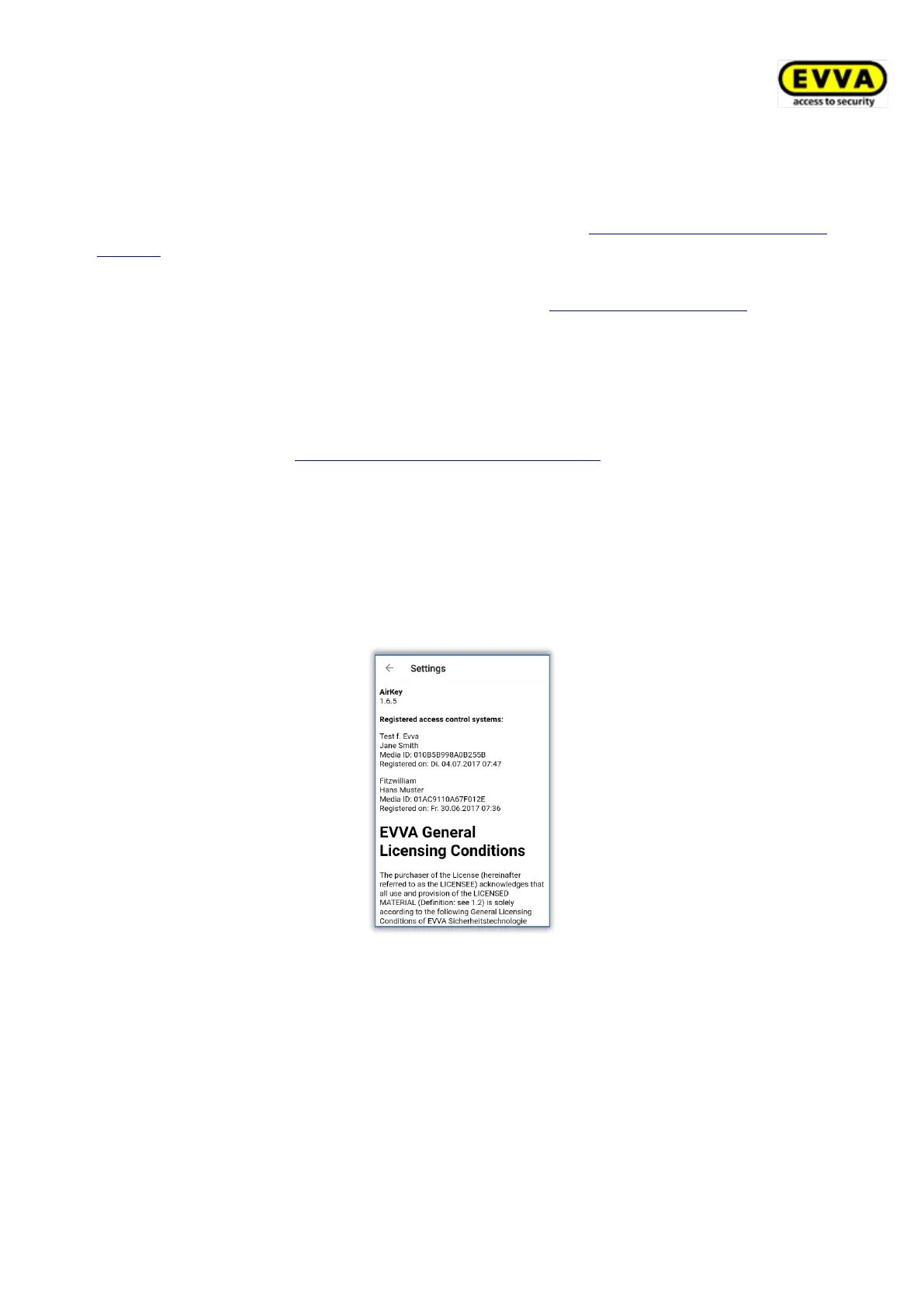
Within the AirKey app there is the option to view the currently installed AirKey app version,
the smartphone registration details, the media ID of the smartphone and the EVVA General
Licensing Conditions.
> Start the AirKey app.
> Tap Settings → Info in the menu.
Figure 240: AirKey app – information
6.10 Updating smartphones
You can manually update smartphones at any time using the AirKey Online Administration to
keep the access control system data up to date.
For this purpose swipe from the top to the bottom in the "Authorisations" screen in the
AirKey app on an Android smartphone. The update icon appears (rotating circle).
With iPhones, pull down the "Authorisations" screen to the bottom edge. The update icon
appears (rotating beams).


 To Next Page
 Loading...