7 Operating locking components
7.1 Access with smartphones
The following requirements must have been met to be able to unlock a locking component:
> NFC or Bluetooth activated on the smartphone
> AirKey app installed and registered.
> Valid authorisation granted to the smartphone (please refer to Registering smart-
phones and Assigning authorisations for more information).
> Hold the smartphone to the locking component for NFC unlocking processes. The best
position for data transfer depends on the smartphone model. The scanning range also
depends on the smartphone type and ranges from being in contact to a few
millimetres distance. In terms of unlocking processes using Bluetooth the scanning
range is firstly dependent on the smartphone type and secondly on your personal
settings within the AirKey app on the smartphone intended for Hands-free mode. It’s
range is a few metres.
> If you are required to enter a PIN code, enter the correct PIN code before you unlock
using the smartphone and NFC or Bluetooth (Please refer to Security functions for
details about the PIN code).
> Pay attention to the visual signals on the locking component. When using NFC do not
remove the smartphone from the locking component or remain within the Bluetooth
range until the locking component outputs a green signal. (A blue light merely
indicates communication between smartphone and locking component).
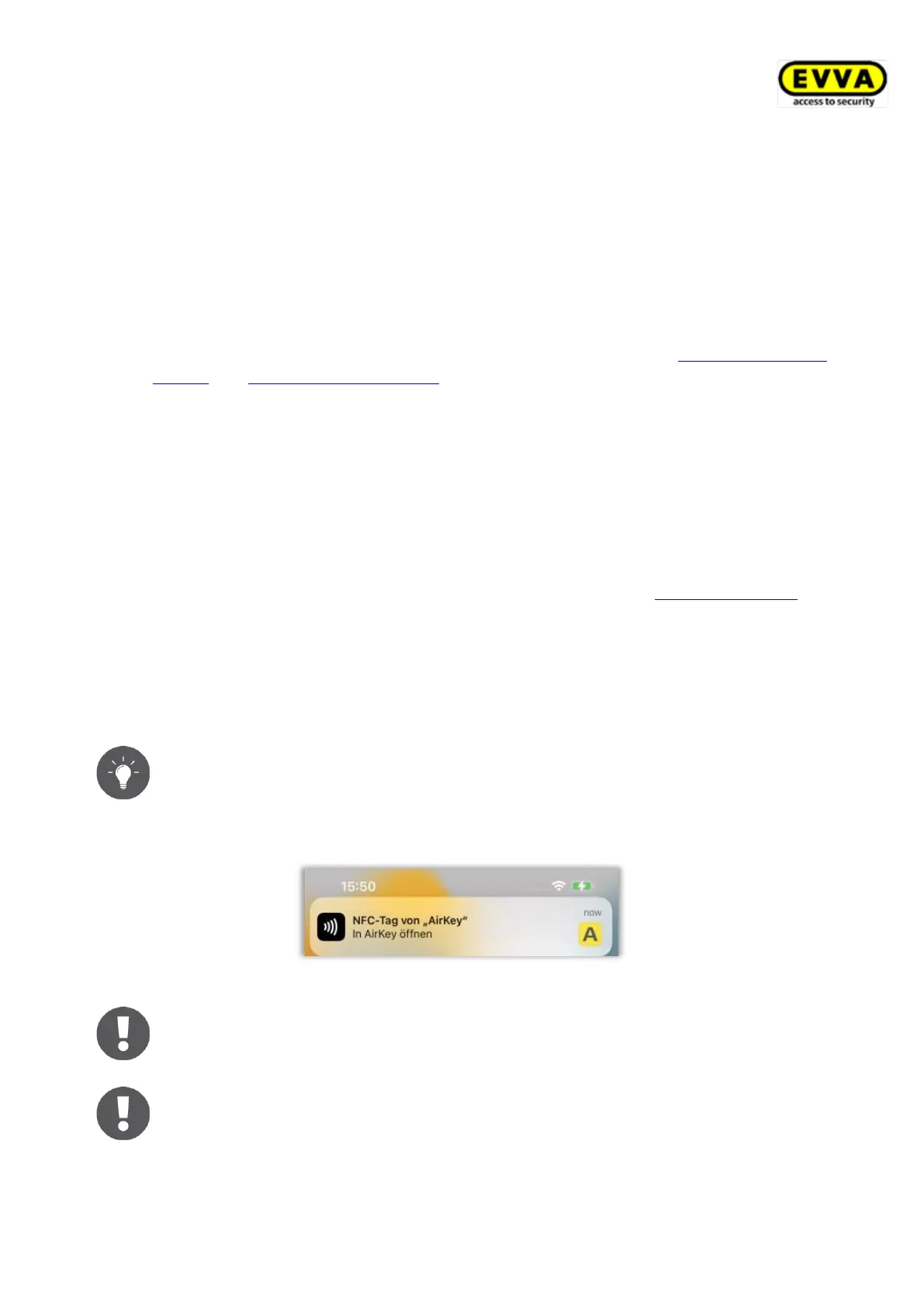
With the iPhone models XR, XS, XS Max and newer, you can also unlock
Bluetooth locking components via NFC. To do this, hold the smartphone
against the locking component and tap the message that an NFC tag has
been detected. The AirKey app will then open and a Bluetooth unlocking will
be performed.
You are unable to unlock locking components using NFC when the lock
screen is active or during an active call. However, the AirKey app does not
necessarily have to be running or active in the foreground to be able to
unlock locking components. In contrast you can unlock locking components
using Bluetooth when the lock screen is active using push notifications. You



 To Next Page
 Loading...