AirKey system manual version 2.7 |
06/03/2024 | Subject to technical changes and misprints
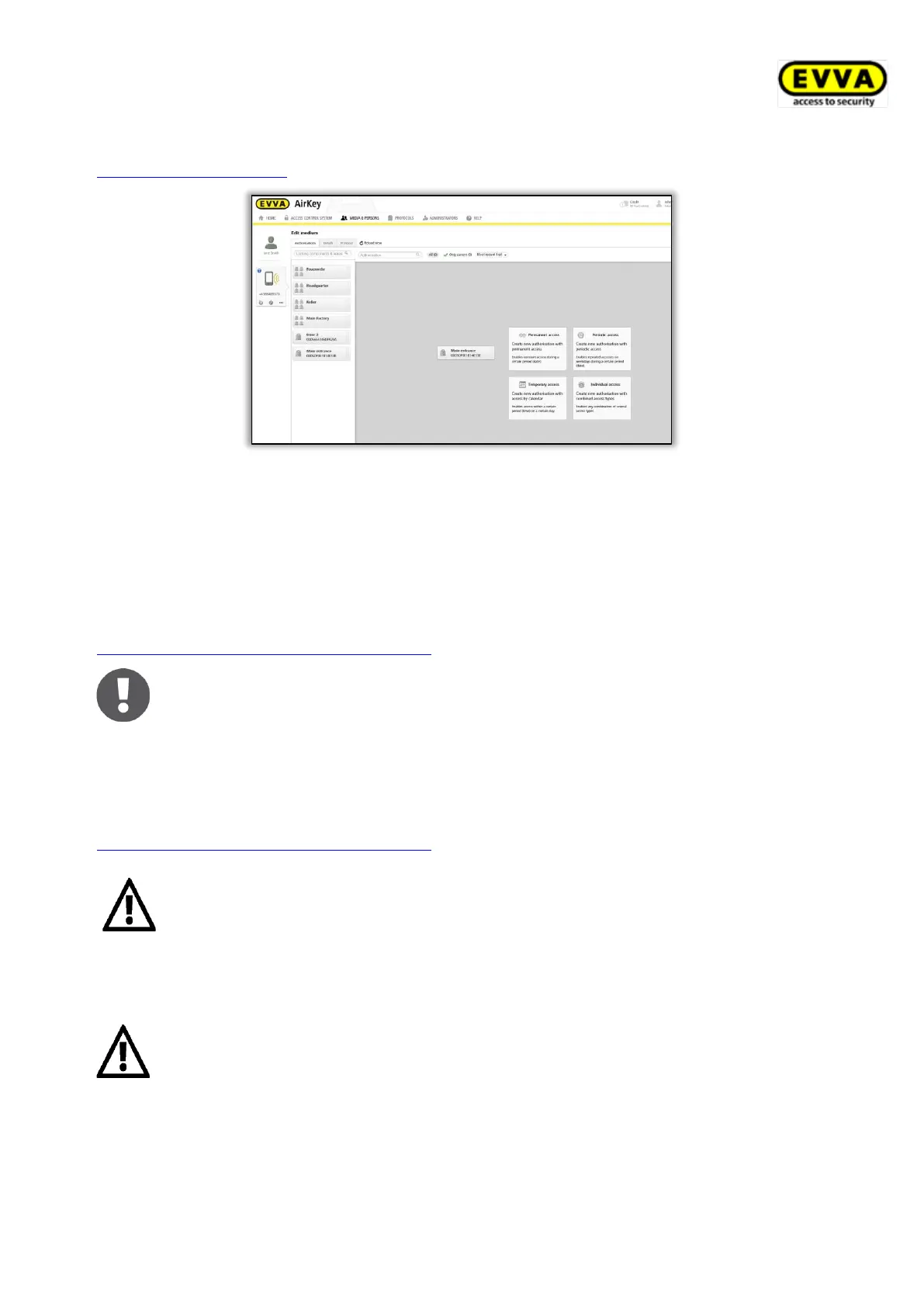
(permanent access, temporary access, periodic access, individual access) – see also
Assigning authorisations.
Figure 54: Access types
4.10 Installing locking components
4.10.1 AirKey cylinders, hybrid cylinders, lever cylinders, and padlocks
Follow the assembly manual enclosed with the packaging during assembly of the AirKey
cylinder, hybrid cylinder, lever cylinder, and padlock or the online assembly video clip at
https://www.evva.com/en/airkey/website/.
Make sure both sides of a double-sided AirKey cylinder have been configured
within the access control system to prevent locking users in or out.
4.10.2 AirKey wall readers
Please note the assembly manual enclosed in the packaging to assemble the AirKey wall
reader. Our homepage additionally provides a drilling template or the assembly video at
https://www.evva.com/en/airkey/website/.
One control unit is required per wall reader. The control unit must be
installed indoors, in a secure area. Check the cabling on the wall reader and
control unit.
Locking components are always supplied in factory state.
> Media in factory state can unlock locking components in factory state.
> Smartphones with installed AirKey app and enabled maintenance
authorisation can unlock locking components in factory state
> Unlocking attempts are not recorded in factory state.
> Locking authorisations have only been assigned after having added
the locking component to a access control system.
> Observe the notes in the assembly manual during assembly. Open the


 To Next Page
 Loading...