AirKey system manual version 2.7 |
06/03/2024 | Subject to technical changes and misprints
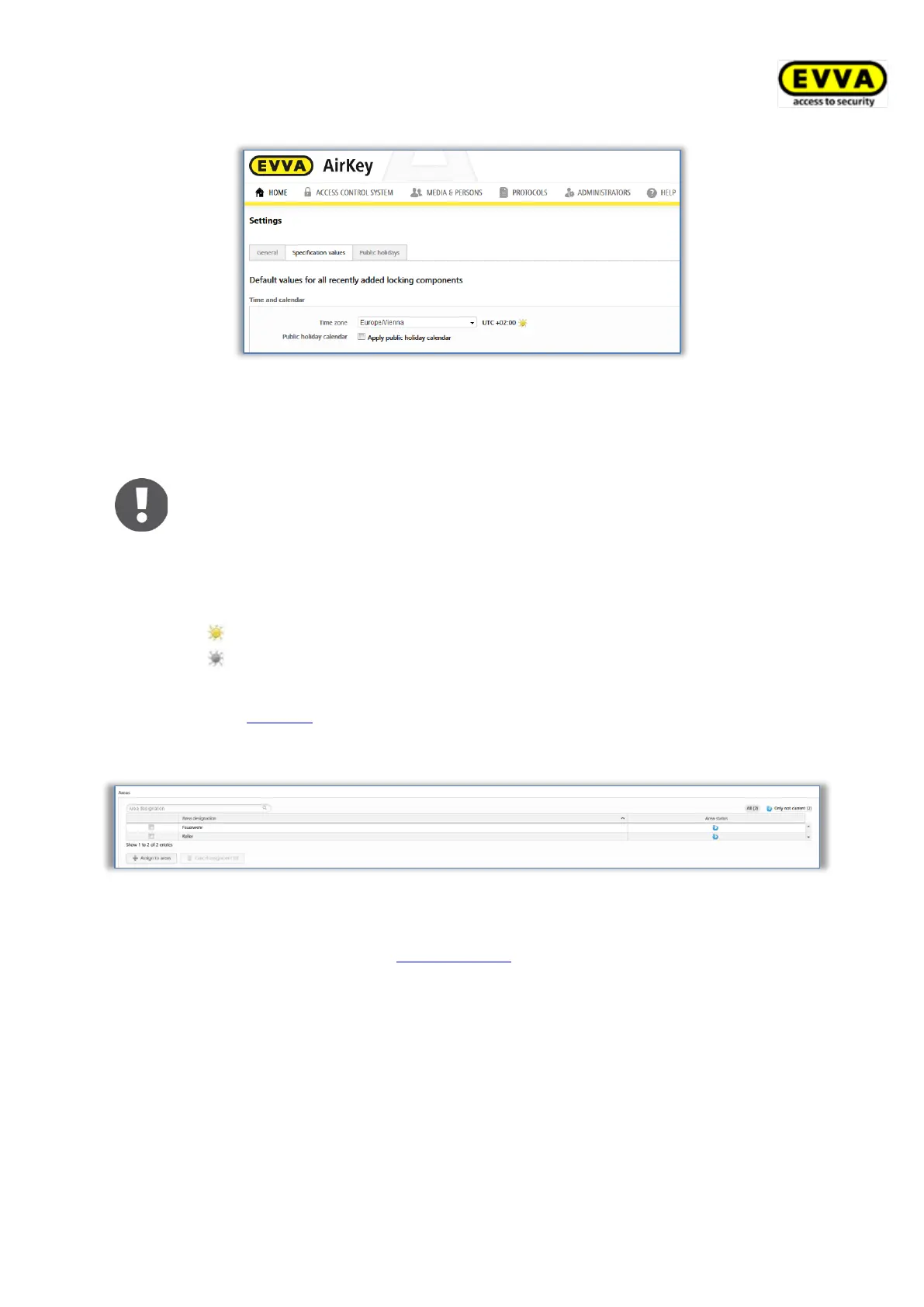
Figure 124: Default values for new locking components
Simply click the drop-down menu and select the correct time zone from the list if you would
like to change the time zone for the entire access control system.
On the Home screen, click the Cylinders or Wall readers tile, select the
desired locking component and browse to the Settings tab if you would like
to change the time zone of one locking component. The Time and calendar
section features a drop-down list with the time zones.
The sun icon in the corresponding time zone section indicates whether
summer or winter time is currently active.
Yellow sun = summer time
Grey sun = winter time
Tick the Use holiday calendar checkbox and the holidays saved and activated in the
Holidays tab (see Holidays section) will be applied to the new locking component.
Areas
Figure 125: Default values – areas
This section describes how to automatically assign new locking components to areas you
have already created. Please refer to Creating areas for details on where and how to create
areas.
This feature is particularly useful for general or fire service keys that must always have
access authorisations to all components. It is also possible to once again revoke assigned
areas from the corresponding locking components.


 To Next Page
 Loading...