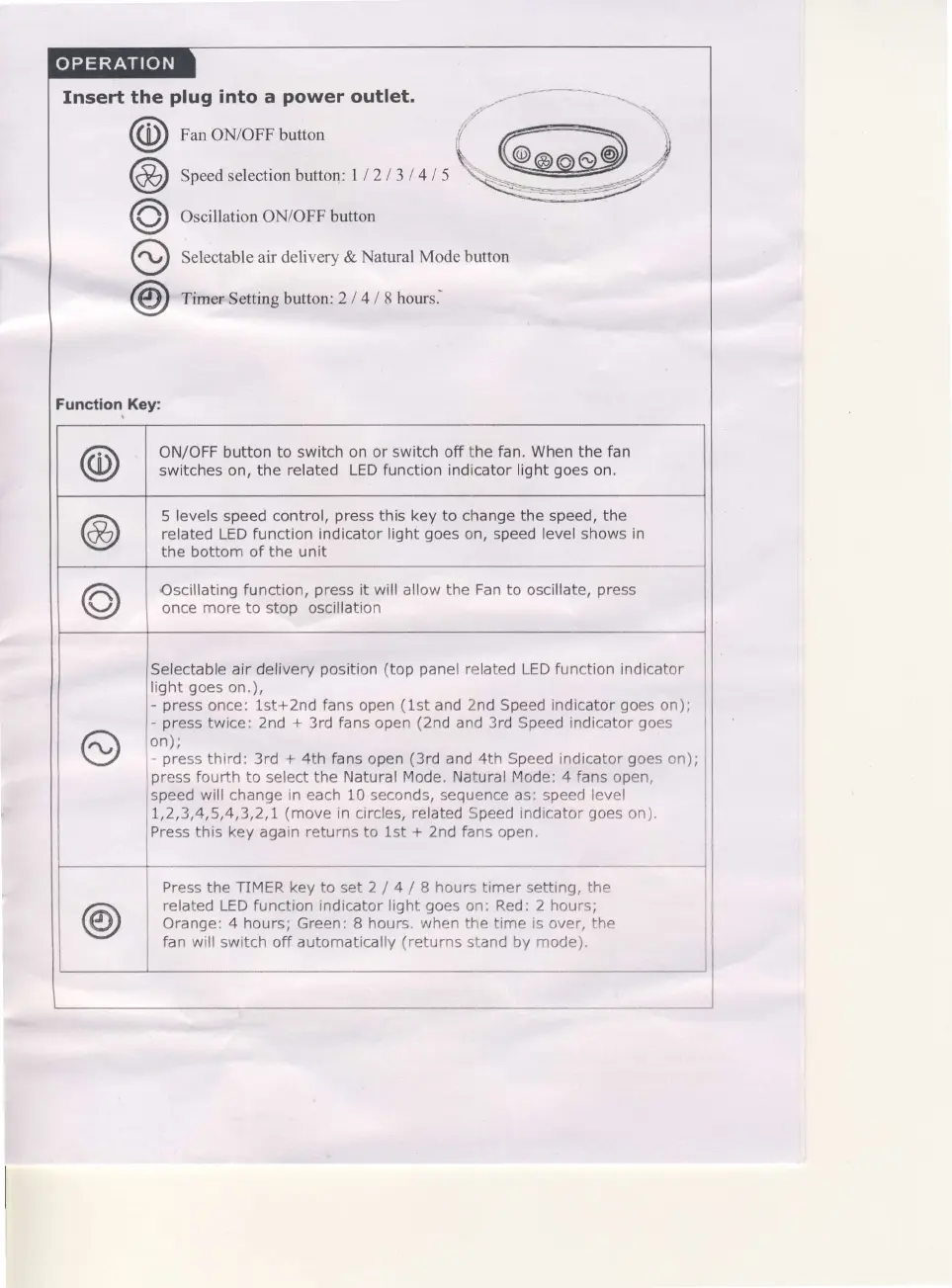
Insert the
plug
into a
power
outlet.
@
oun oN/oFF button
@
Sn".Oselectionbutton:
I
I
2
I 3 I
4 I 5
O
OscillationON/OFFbutton
O
S"r..,uble
air delivery &
Natural Mode button
@
rirnosetting button:
2l 4 I thows.
Functlon Koy:
@
ON/OFF button to switch on or
switch
off the
fan. When
the
fan
switches on,
the related LED function indicator light
goes
on.
@
5
levels
speed control,
press
this key to change the speed, the
related LED
function indicator light
goes
on, speed level shows
in
the bottom of the unit
o
Oscillating
function,
press
it will allow the Fan to oscillate,
press
once more to stoD oscillation
o
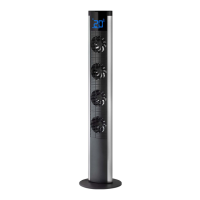
Selectable air delivery
position
(top
panel
related LED function indicator
light
goes
on.),
-
press
once: 1st+2nd fans open
(1st
and
2nd
Speed indicator
goes
on);
-
press
twice: 2nd
+
3rd fans
open
(2nd
and 3rd Speed indicator
goes
on);
-
press
third: 3rd
+
4th fans open
(3rd
and 4th Speed indicator
goes
on);
press
fourth to
select
the Natural Mode. Natural Mode: 4 fans open,
speed will change in each 10 seconds, sequence as: speed level
I,2,3,4,5,4,3,2,1
(move
in
circles,
related
Speed
indicator
goes
on).
Press this key again returns to lst
+
2nd fans open.
@
Press the TIMER key to set 2
/
4
/
I hours timer setting, the
related LED function indicator light
goes
on:
Red: 2 hours;
Orange:
4
hours; Green: B hours.
when
the
time is
over,
the
fan will switch off automatically
(returns
stand by mode).


 To Next Page