4. Connect the Exabeam Appliance Cabling
You must connect your appliance cables to the proper ports in order to start configuration.
Before installing an operating system image and Exabeam soware onto your appliance, ensure your
appliance is connected to your network.
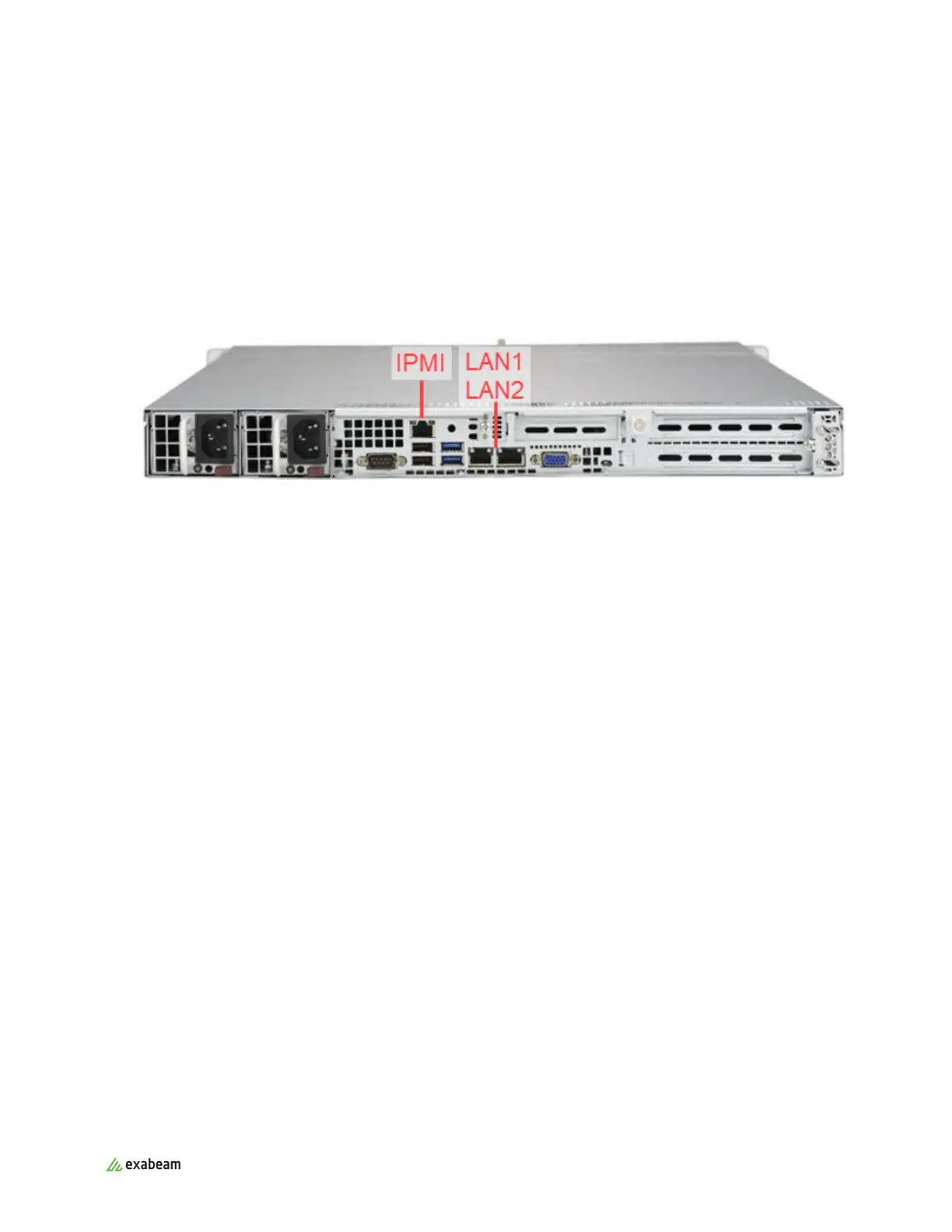
1. Connect an ethernet cable to the RJ45 port labeled LAN1 on the back of the appliance.
2. Connect the system to a monitor and keyboard for the initial configuration.
Once the configuration is completed, you can detach the monitor and keyboard.
EX2003 and EX4003 rear view
3. Plug in both power cables to uninterrupted power supply (UPS) or conditioned power sources,
ideally originating from dierent power circuits for each cable.
4. Power up the host to start the boot process.
Connect the Exabeam Appliance Cabling
Exabeam Appliance Setup Guide - Version SMP 2019
Published Mar 15, 2021 14



 To Next Page