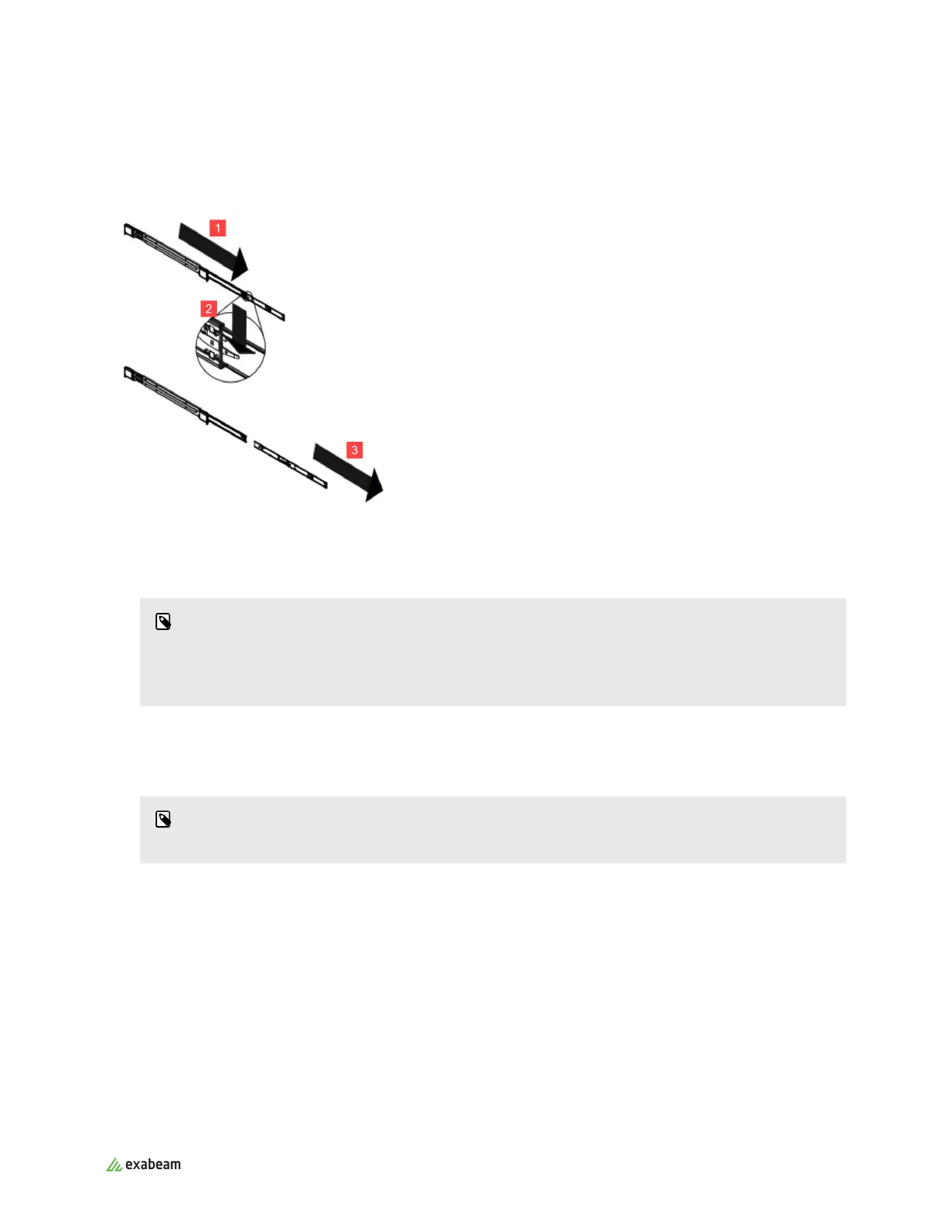
3. Pull the inner rail all the way out.
4. Repeat for the other outer rail.
2.2.2. INSTALL THE INNER RAIL EXTENSION AND RAILS
1. (Optional) Attach the inner rail extension to stabilize the chassis within the rack.
NOTE
The Exabeam appliance chassis includes a set of inner rails in two sections: inner rails and inner
rail extensions. The inner rails are pre-attached and do not interfere with normal use of the
chassis if you decide not to use a server rack.
2. Place one of the inner rail extensions against the side of the chassis, aligning the hooks on the side
of the chassis with the rail extension holes. Ensure the extension faces outward just like the pre-
attached inner rail.
NOTE
The le and right inner rails are symmetrical.
3. Slide the extension forward, toward the front of the chassis.
4. Secure the extension to the chassis with two screws.
5. Repeat steps 1-3 for the other inner rail extension.
Rack Mounting Instructions
Exabeam Appliance Setup Guide - Version SMP 2019
Published Mar 15, 2021 8



 To Next Page