5. Exabeam Appliance Network Conguration
Set up the network configuration to install the OS and Exabeam soware.
In order to install the operating system and Exabeam soware on your appliance, it must have its
network presence established. Before configuring the network interface of your host, determine the
address assignment of your host and network details, including:
• IP address
• Subnet
• Network gateway
• DNS addresses
• Use of DHCP or on-board address assignment
WARNING
Exabeam does not support IPv6.
To configure the network interface of your host:
1. Log in to the console with the username exabeam. The unique password for your appliance is
found on a label at the back of the unit.
2. Initiate a screen session. This will prevent accidental termination of your session.
screen -LS [yourname]_[todaysdate]
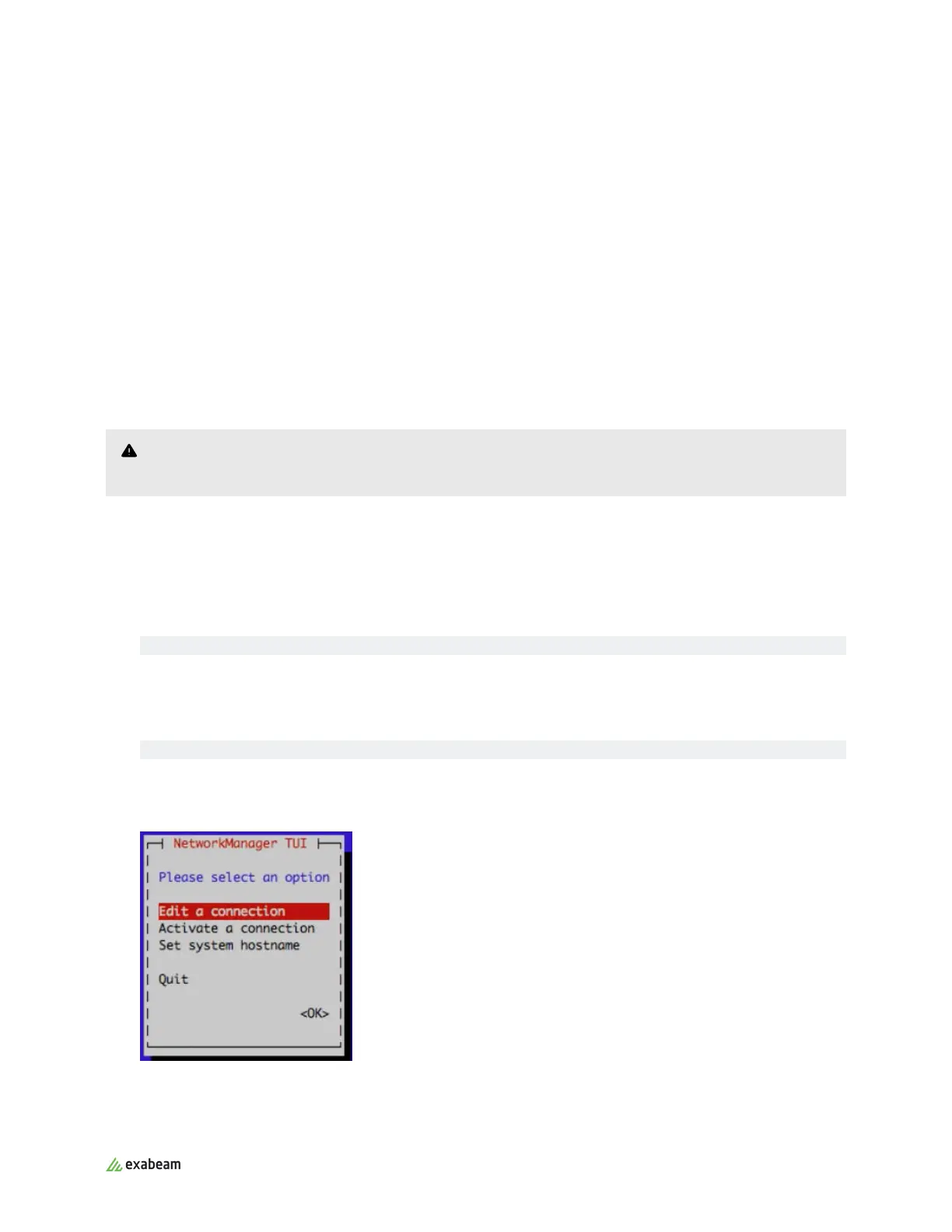
3. Start the program to configure the network settings by entering the following command on the
command prompt:
sudo nmtui
Use the down, up, and tab keys to move through the program
4. Select Edit a connection, and then press Enter:
5. Select eno1, and then Edit.
Exabeam Appliance Network Conguration
Exabeam Appliance Setup Guide - Version SMP 2019
Published Mar 15, 2021 15



 To Next Page