© 2018 Excel, part of Van Os Medical UK Ltd.
Excel House | Unit 2 Ashbrooke Park | Sherburn in Elmet | North Yorkshire | LS25 6 PJ | sales@vanosmedical.com | www.vanosmedical.com
Folding back mechanism & brake operation
The backrest
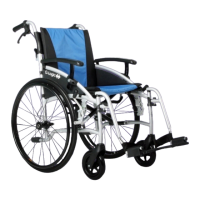
The backrest of the G-Logic is attached to the tubes of the push handles. The backrest is foldable. To fold the
backrest, please follow the following steps;
• Stand behind the wheelchair;
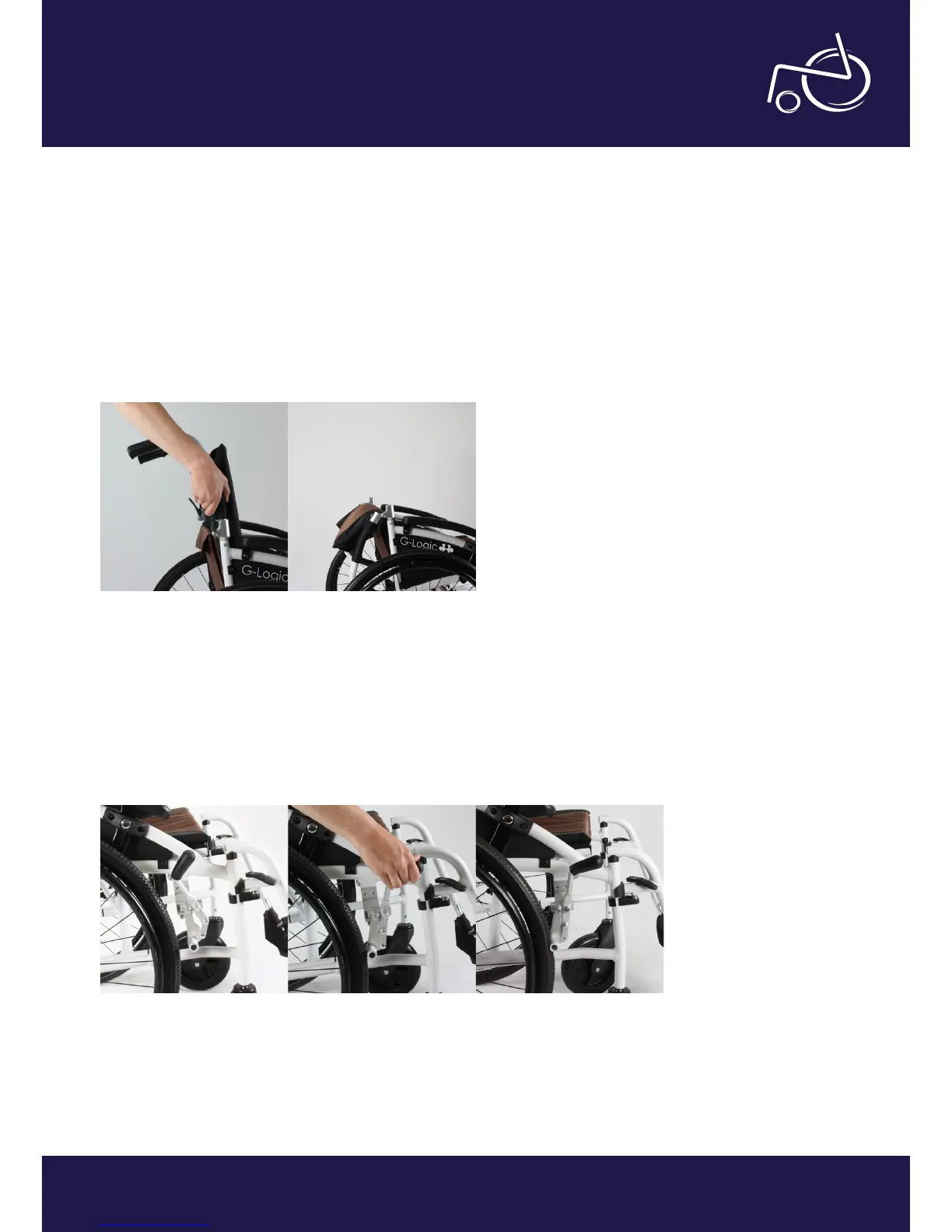
• Squeeze both black handles on the back of the chair at the same time (see photo 10);
• The folding mechanism is unlocked, you can now fold down the back (see photo 11).
The brakes
Your G-Logic comes with brakes on the self-propelling wheels and also on the push handles. We recommend you
engage the brakes when going in and/or going out of the wheelchair, but also when you are stationary. If you want
to engage the brakes, please follow the following steps;
• When sitting in the wheelchair with the brakes disengaged, you will see the situation as it is on photo 12;
• To apply the brakes, push the brake lever forward (photo 13);
• The brakes are now applied (photo 14);
EXCEL G-LOGIC | PHOTO 10 EXCEL G-LOGIC | PHOTO 11
EXCEL G-LOGIC | PHOTO 12 EXCEL G-LOGIC | PHOTO 13 EXCEL G-LOGIC | PHOTO 14


 To Next Page