© 2018 Excel, part of Van Os Medical UK Ltd.
Excel House | Unit 2 Ashbrooke Park | Sherburn in Elmet | North Yorkshire | LS25 6 PJ | sales@vanosmedical.com | www.vanosmedical.com
Legrest operation
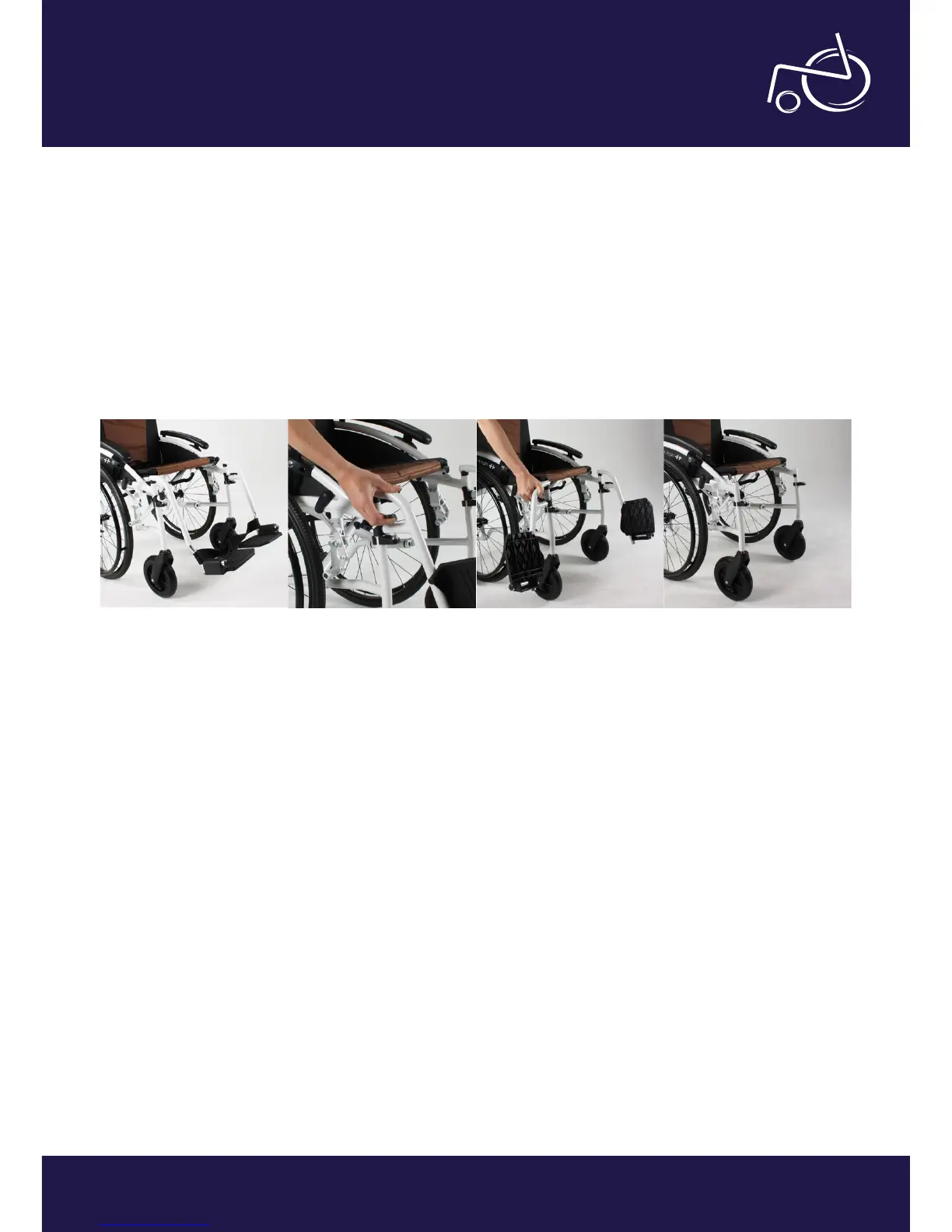
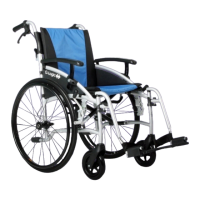
The legrests of the Excel G-Logic are both foldable and removable. To remove them, you should follow the steps
described below.
• The Legrests of the wheelchair are shown on photo 17;
• By pulling the black lever up (photo 18), you can swing away the legrests and remove them;
• In photo 19 you can see the legrests swung away;
• To remove the legrests, simply pull upwards after the above steps are completed;
• To replace the legrests, follow the steps for removal in reverse order. A click will conrm when the legrests are
tted properly.
It is also possible to adjust the height of the footplates, however an Allen key is required to do so (your Allen key can
be found in the tool kit supplied with your chair). Please see below steps on how to do this.
For easy adjustments, remove leg rests as stated above;
• Undo the black grub screw at the bottom of the legrest hanger;
• Fully remove the screw;
• Line the hanger and the footplate up with the pre-drilled holes to the desired length;
• Tighten the grub screw back up.
EXCEL G-LOGIC | PHOTO 17 EXCEL G-LOGIC | PHOTO 18 EXCEL G-LOGIC | PHOTO 19 EXCEL G-LOGIC | PHOTO 20


 To Next Page