© 2018 Excel, part of Van Os Medical UK Ltd.
Excel House | Unit 2 Ashbrooke Park | Sherburn in Elmet | North Yorkshire | LS25 6 PJ | sales@vanosmedical.com | www.vanosmedical.com
© 2018 Excel, part of Van Os Medical UK Ltd.
Excel House | Unit 2 Ashbrooke Park | Sherburn in Elmet | North Yorkshire | LS25 6 PJ | sales@vanosmedical.com | www.vanosmedical.com
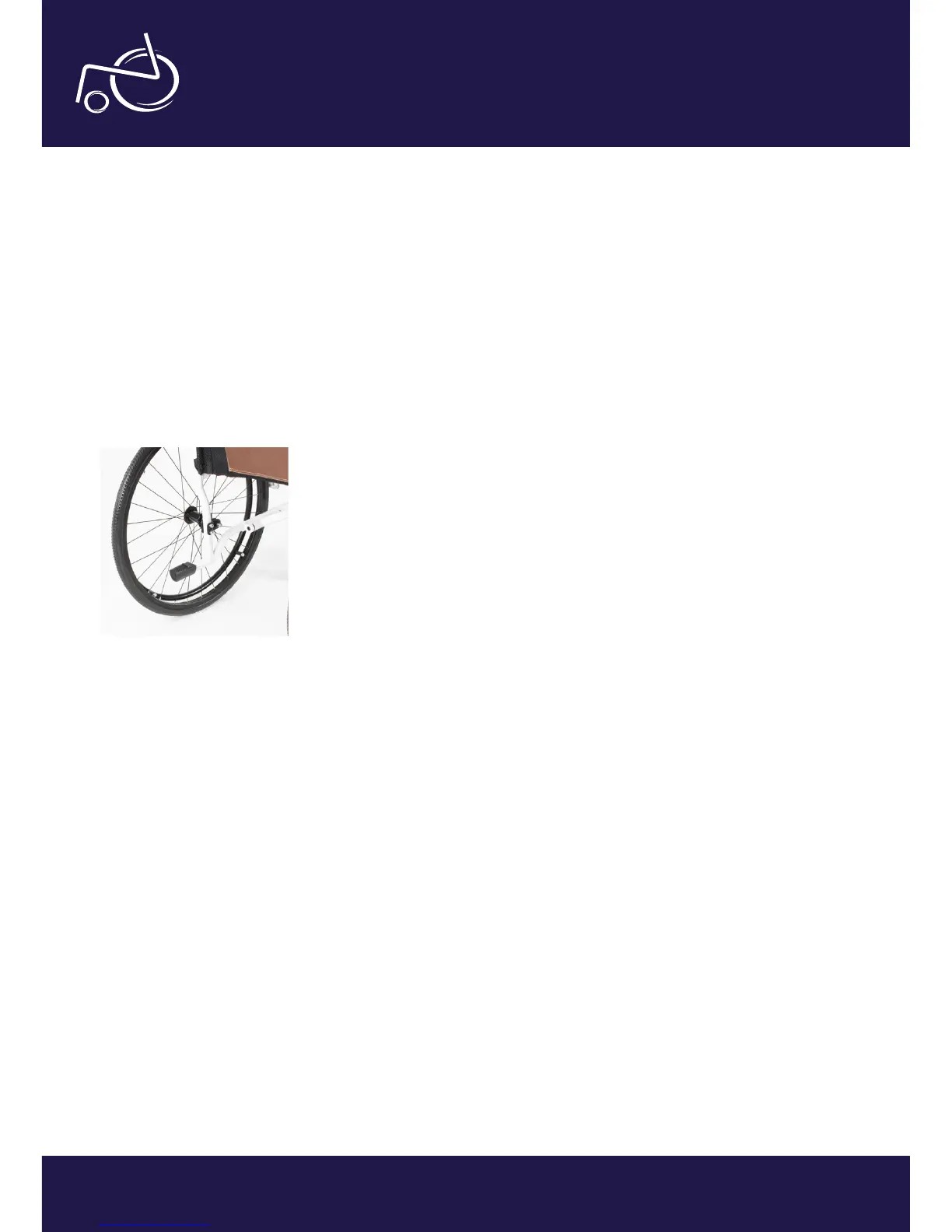
Using the stepper tube
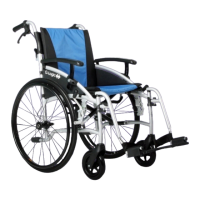
The Excel G-Logic is equipped with two steppers (photo 21). An attendant can use the stepper tube to raise the
front castors (when mounting a kerb for example). To use, push down on the stepper tube with your foot. Do not
raise the front castors by pushing down on the push handles as this could result in damage to the wheelchair.
To mount a kerb, approach it head on. Then the attendant uses the stepper tube to raise the front castors, and
lowers the front castors on the raised kerb. Finally the attendant should push the wheelchair forward, lifting it up
slightly to mount the kerb if required.
To go down a kerb, line up the front castors with the edge of the kerb. The attendant uses the stepper tube to raise
the front castors and tip the user slightly back. Keeping the castors raised, slowly lower the wheelchair down the
kerb.
EXCEL G-LOGIC | PHOTO 21


 To Next Page